New emojis and why you cannot use them yet
The new emojis in Unicode 17.0, how each one could be used, and why our test across 17 email clients says to wait before using them.

Nicki Pabst Rasmussen

Unicode 17.0 is here, and Unicode 18.0 is almost ready. But the newest emojis are still a risky choice in email. Our rendering test across 17 email clients found that most of them do not display correctly yet.
For the current list of proven characters, see our email emoji compatibility guide.
The Unicode 17.0 emoji lineup
Unicode 17.0 was officially released on September 9, 2025. Its headline additions included eight new emoji characters and the new Ballet Dancer sequence.
One correction to our original preview: Apple Core was proposed, but it did not make the final Unicode 17.0 release.


How to use each new emoji
The ideas are fun. The important warning is that these images are previews. If you paste the actual characters into an email today, many recipients will see an empty box instead.
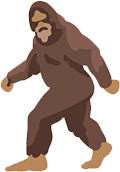
Hairy Creature
Use it for: Mystery, stealth, or outdoor adventures.
Example sequences:
- 🔎 : Searching for something mysterious
- 🐾: Evidence of something elusive
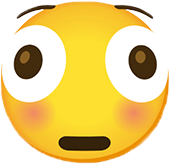
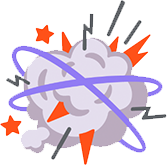
Distorted Face
Use it for: Surprise, pressure, panic, or feeling overwhelmed.
Example sequences:
- 💥: Mind blown
- 📥 : Too much in the inbox
Fight Cloud
Use it for: Arguments, chaos, disagreement, or playful scuffles.
Example sequences:
- 💬 : A heated debate
- 🐱 🐶: A playful rivalry
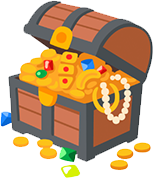
Treasure Chest
Use it for: Valuable discoveries, hidden gems, prizes, or collections.
Example sequences:
- 🔎 : A valuable find
- 🎁 : A special reward
Orca
Use it for: Marine life, intelligence, or ocean conservation.
Example sequences:
- 🌊 🐟: A marine ecosystem
- 🛥️ 📸: Whale watching
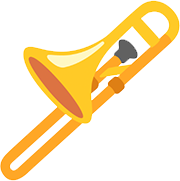
Trombone
Use it for: Music, announcements, brass bands, or comic disappointment.
Example sequences:
- 🎶: Playing music
- 😔 : A sad trombone moment
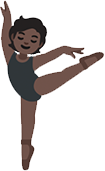
Ballet Dancer
Use it for: Dance, grace, performing arts, or careful coordination.
Example sequences:
- 🎭: A performance
- 🦢: Swan Lake
Landslide
Use it for: Natural hazards, overwhelming changes, or a decisive result.
Example sequences:
- 🏔️ 🌧️ : A weather warning
- 🗳️ : A landslide victory
What our email client test found
A Unicode release does not make an emoji safe for email. The operating system needs the new character, and every app in the delivery chain needs to render it correctly.
We tested the relevant emoji across 17 email clients, including Gmail, Outlook.com, Yahoo, iCloud Mail, native iPhone mail, and Android apps. We grouped the detailed results into six representative environments.
The actual Unicode 17.0 additions had no reliable support. Distorted Face, Fight Cloud, Hairy Creature, Orca, Landslide, Trombone, and Treasure Chest rendered correctly in zero of the six environments. Ballet Dancer did not render as one emoji either. Three environments split it into a person and ballet shoes, while the others showed a missing character box.
Older faces are still inconsistent too:
| Emoji | Result |
|---|---|
| 😌 Relieved Face and ☹️ Frowning Face | 6 of 6, correct everywhere |
| 😶🌫️ Face in Clouds, 😮💨 Face Exhaling, 🙂↔️ Head Shaking Horizontally, 🙂↕️ Head Shaking Vertically, and 😵💫 Face with Spiral Eyes | 6 of 6, but only as separate fallback characters |
| 🥲 Smiling Face with Tear and 🥸 Disguised Face | 2 of 6, Gmail in Firefox and native iPhone mail |
| 🫠 Melting Face, 🫢 Face with Open Eyes and Hand Over Mouth, 🫣 Face with Peeking Eye, 🫡 Saluting Face, and 🥹 Face Holding Back Tears | 1 of 6, native iPhone mail only |
A fallback is not full support. Some emojis use a Zero Width Joiner to combine several characters. An unsupported client may show the parts separately. The content is technically visible, but it looks broken in a subject line or campaign.
Shaking Face, Face with Bags Under Eyes, Fingerprint, Leafless Tree, Root Vegetable, Harp, Shovel, and Splatter also scored zero. The Sark flag is a special curiosity. It is not part of the Recommended for General Interchange set, so it may never receive broad support.
Unicode 18.0 is next
Unicode 18.0 is planned for release on September 16, 2026. Its current beta contains nine new emoji characters. These are even further from being safe in email.
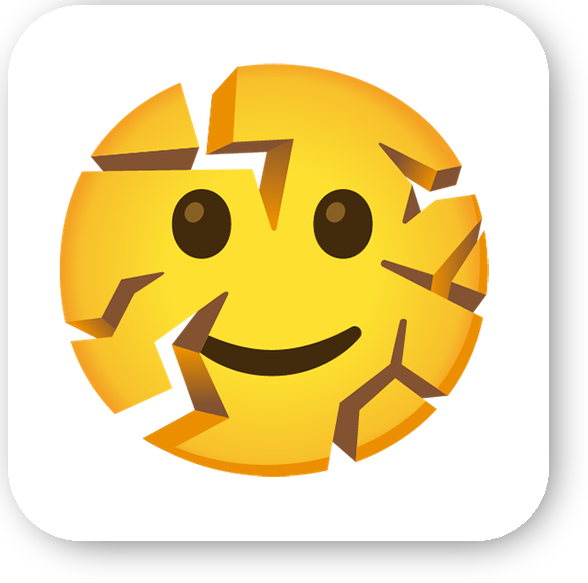



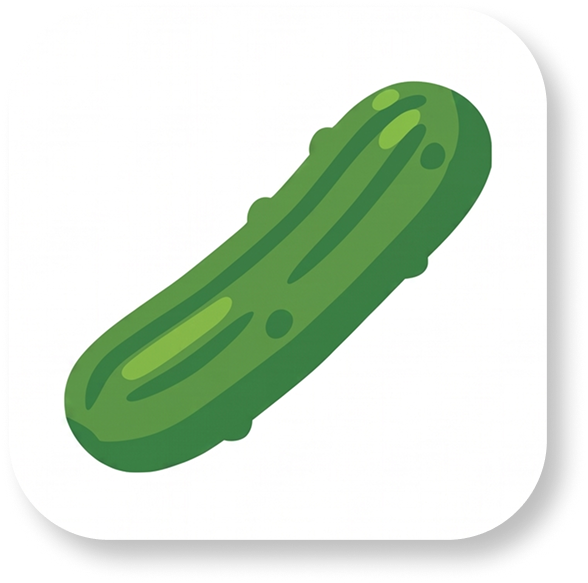


Possible future sequences:
- 💬: Keeping it together during feedback
- 😬: In a pickle
- 🌊 : Safe guidance
- ✏️ : Fixing a mistake
Keep these ideas for later. Unicode releases the standard first. Apple, Google, Microsoft, and other vendors then create artwork and ship font updates. Operating systems adopt those updates, followed by browsers and email clients. Every step takes time, and recipients update at different speeds.
Stay Safe with Better Email
When you design an email, you need emojis that work for the recipient, not only on your own screen.
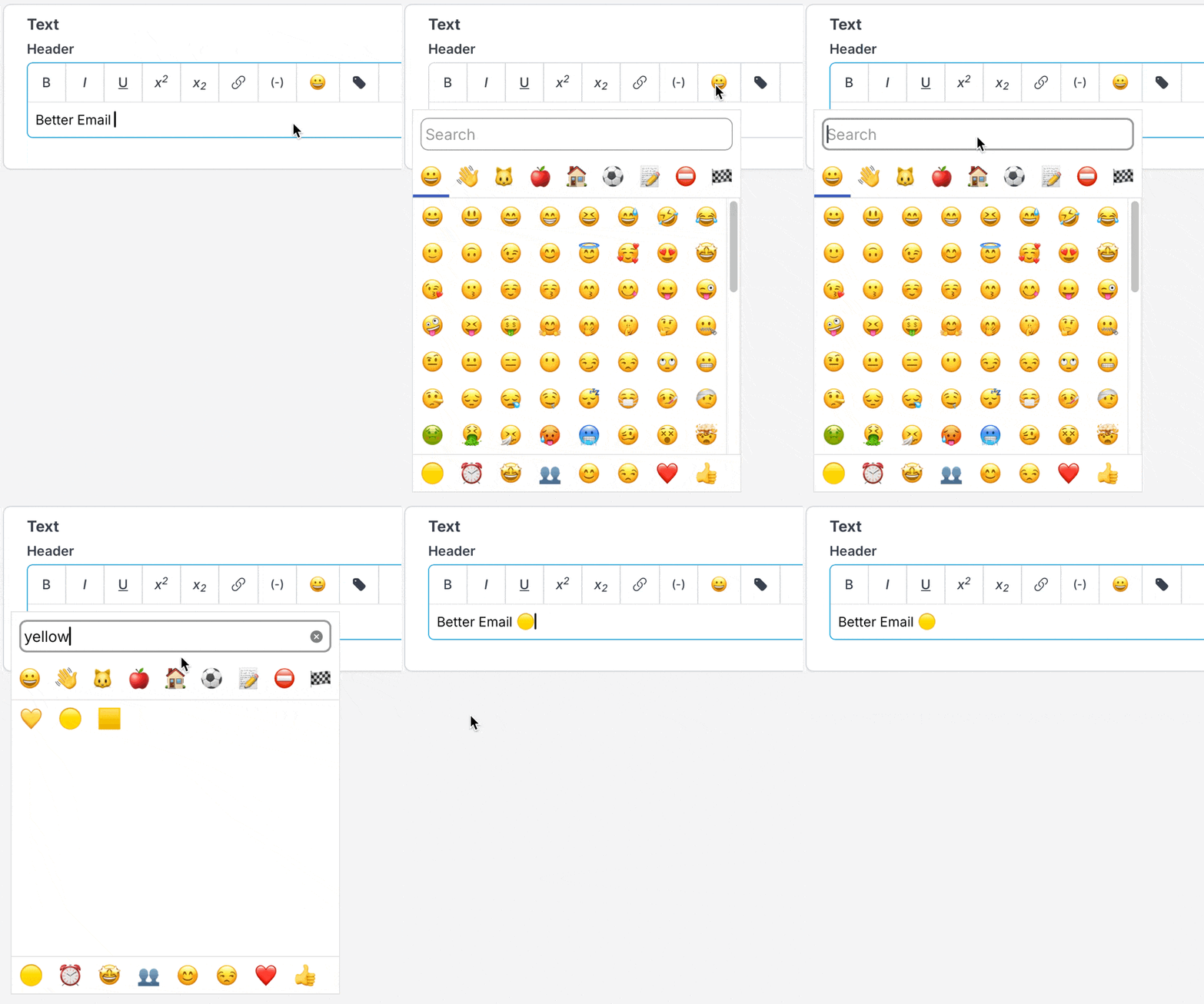
Better Email includes an emoji picker inside the text editor. It automatically filters out unknown, very new, and poorly supported emojis, so you are not relying on memory or guesswork.
If an emoji is not available in the picker, it is not supported across the clients we target, it renders incorrectly, or it is simply too new.
You can still be expressive without turning your subject line into a row of empty boxes. Choose emojis with proven support, and let Better Email keep the risky ones out until email clients catch up.
Ready to create campaigns with reliable emoji support? Try Better Email today.


