Countdown timers, Cloudinary, and Iterable
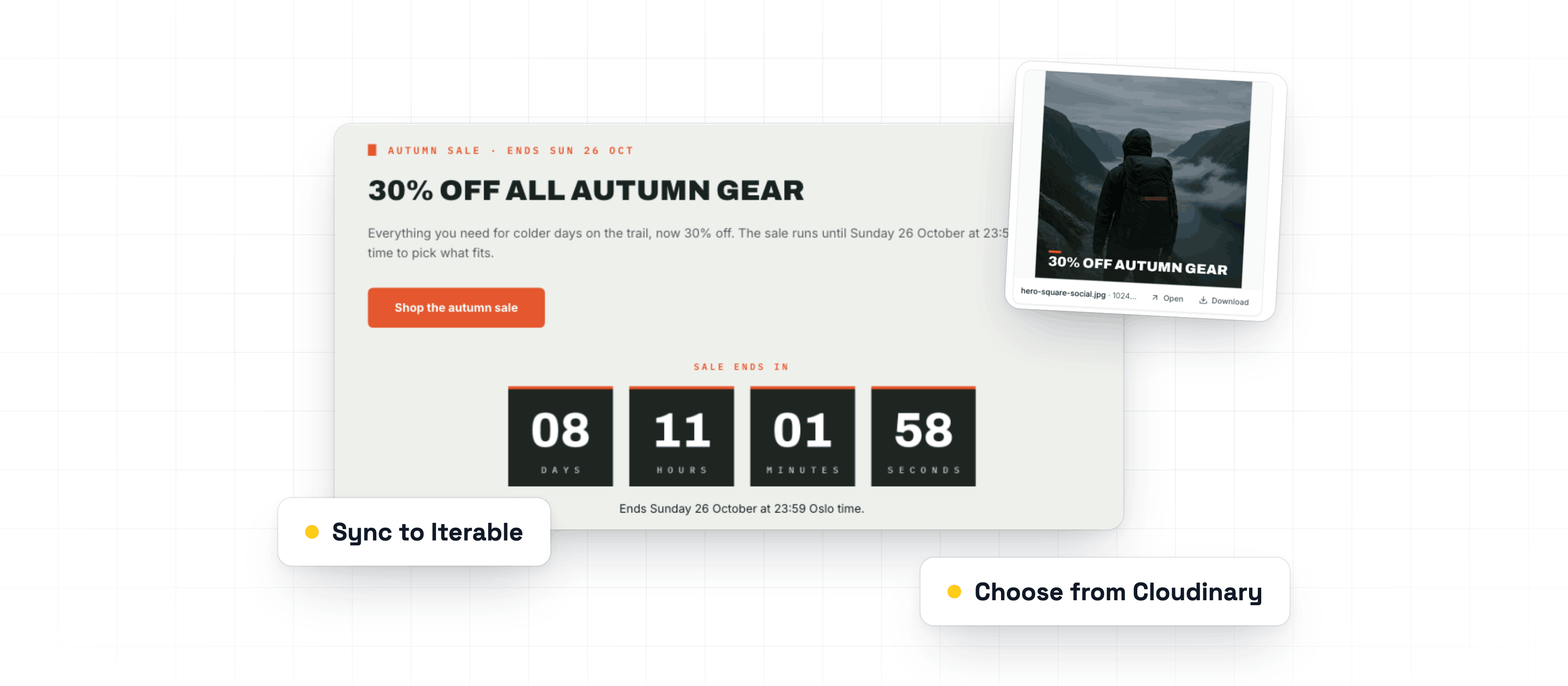
Ask Betty for a live countdown timer or an image edit. Pick images from Cloudinary right in the image field. Sync Campaigns to Iterable, and see opens and clicks from HubSpot and Dynamics.
Read the updateChangelog
New features, improvements and fixes, every week. Filter by the part of Better Email you work in.
Ask Betty for a live countdown timer or an image edit. Pick images from Cloudinary right in the image field. Sync Campaigns to Iterable, and see opens and clicks from HubSpot and Dynamics.
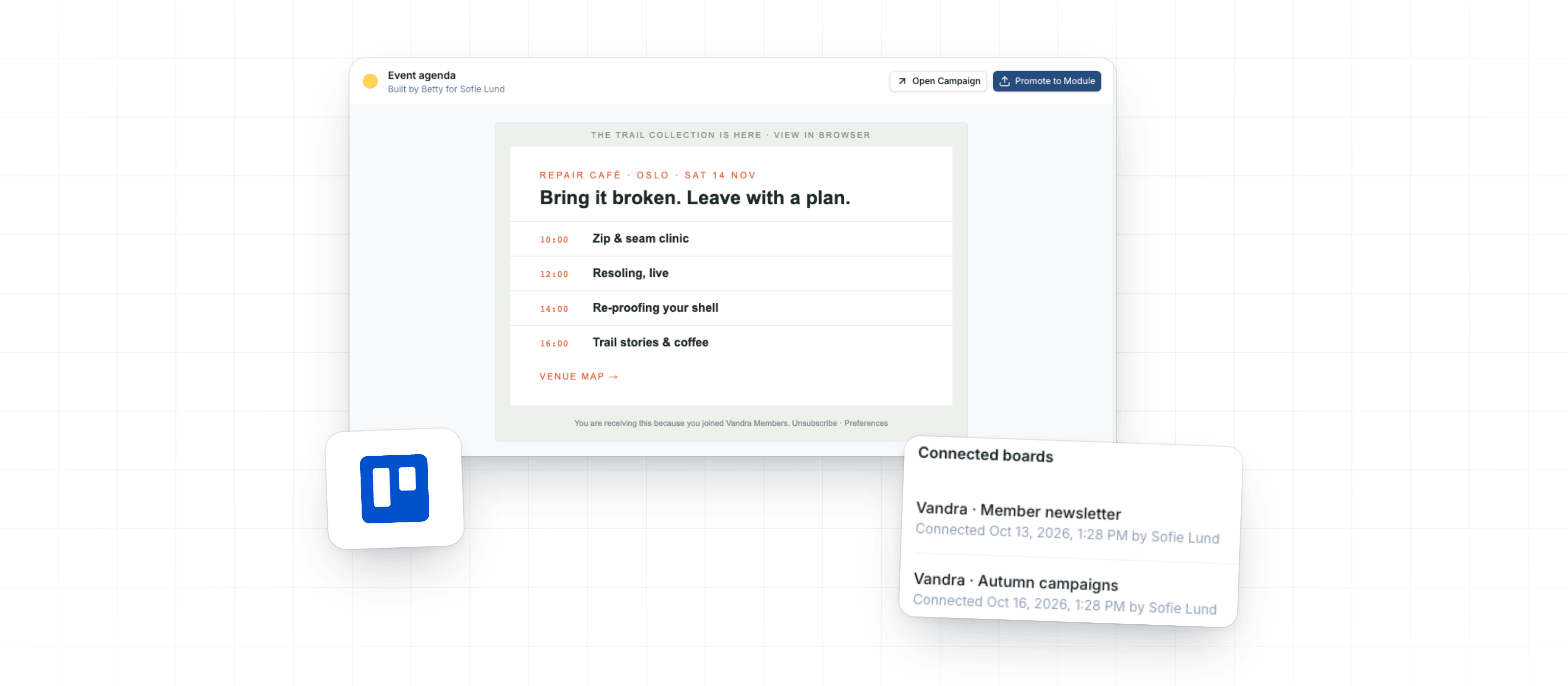
Read the updateThis week, you can turn Betty's AI Blocks into reusable Modules, ask her to create a Campaign from a Trello card, and attach images or GIFs up to 50 MB.
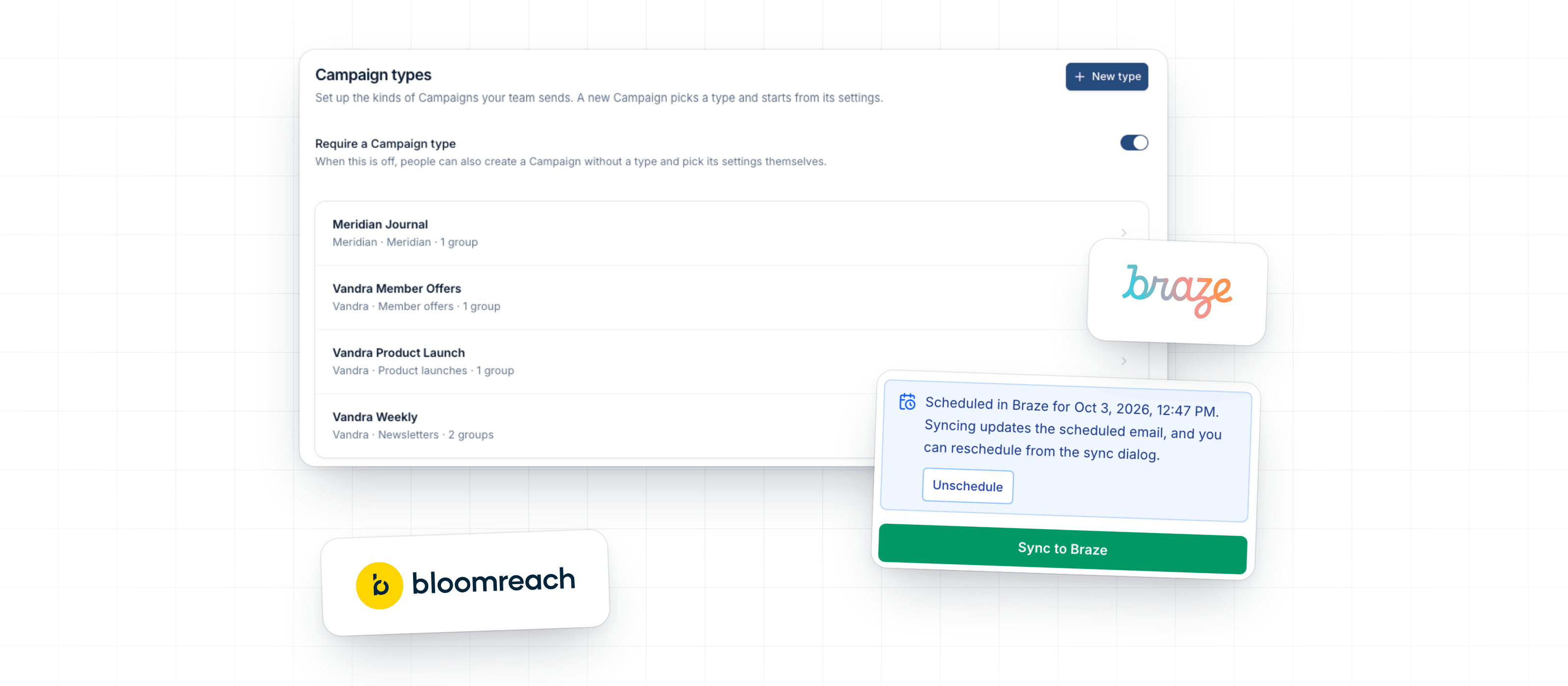
Read the updateThis week admins can set up Campaign types so new Campaigns start with the right settings. Better Email also syncs to Bloomreach Engagement, and editors can send and schedule Braze Campaigns without opening Braze.
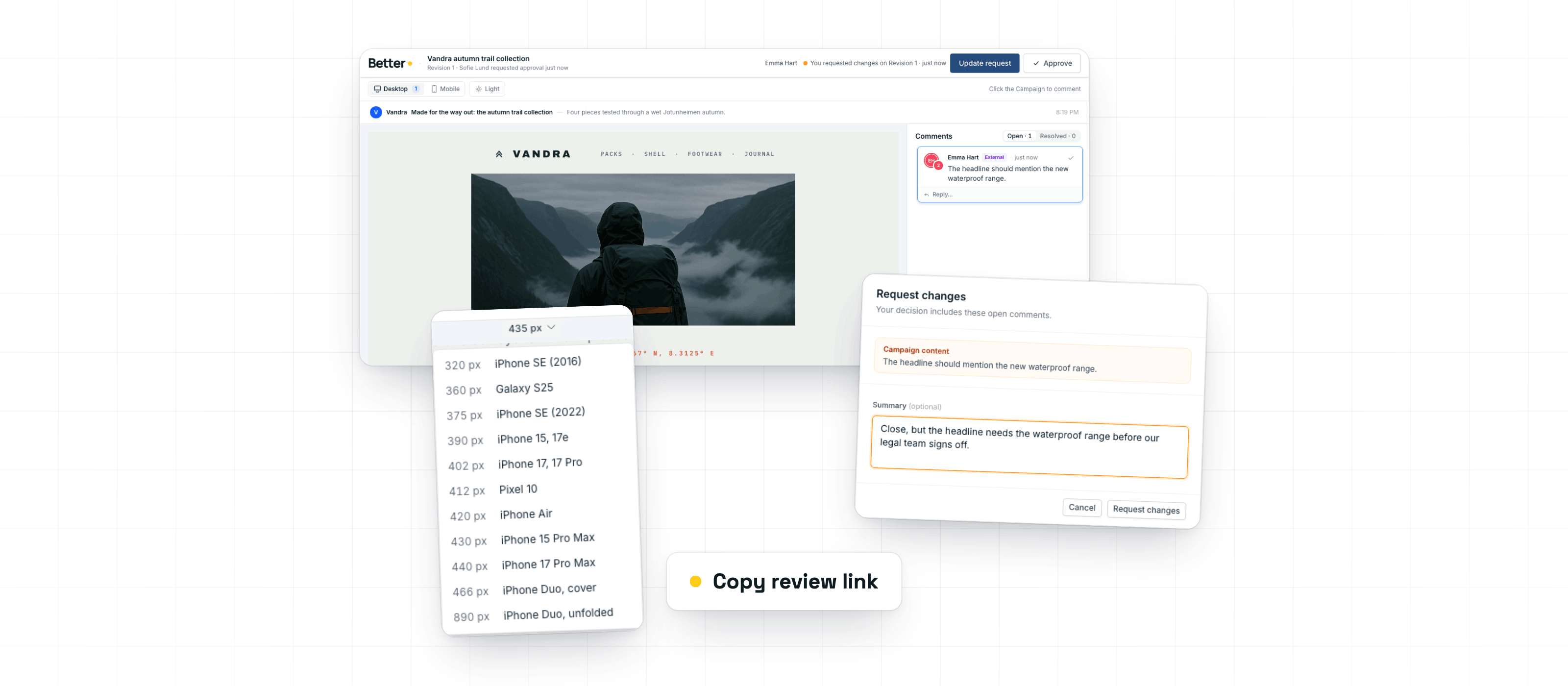
Read the updateThis week helps campaign teams finish reviews faster, jump from preview to the right editor control, check mobile layouts, and recover more clearly when Betty gets stuck.
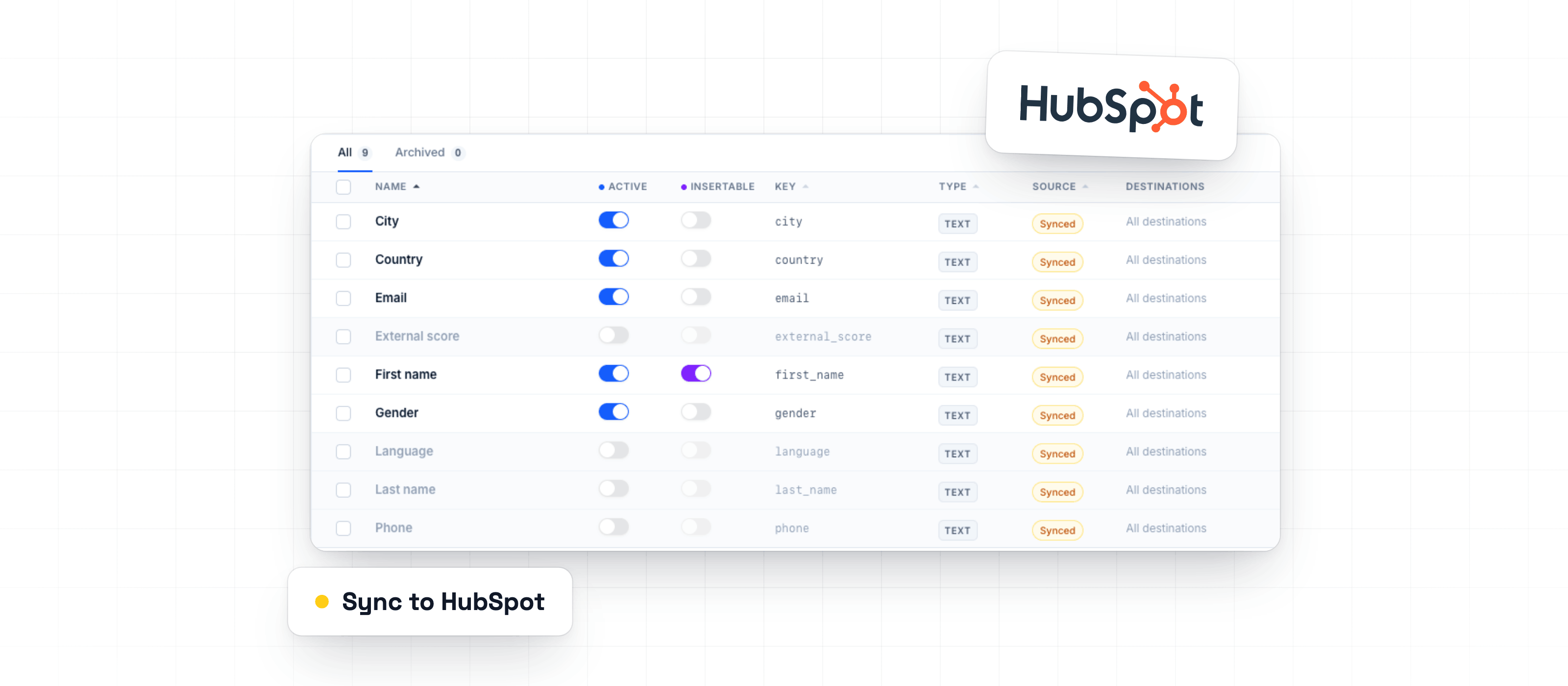
Read the updateThis week adds HubSpot sync, keeps large contact-field lists out of the Campaign builder, and fixes places where Better Email could block work that was ready to send.
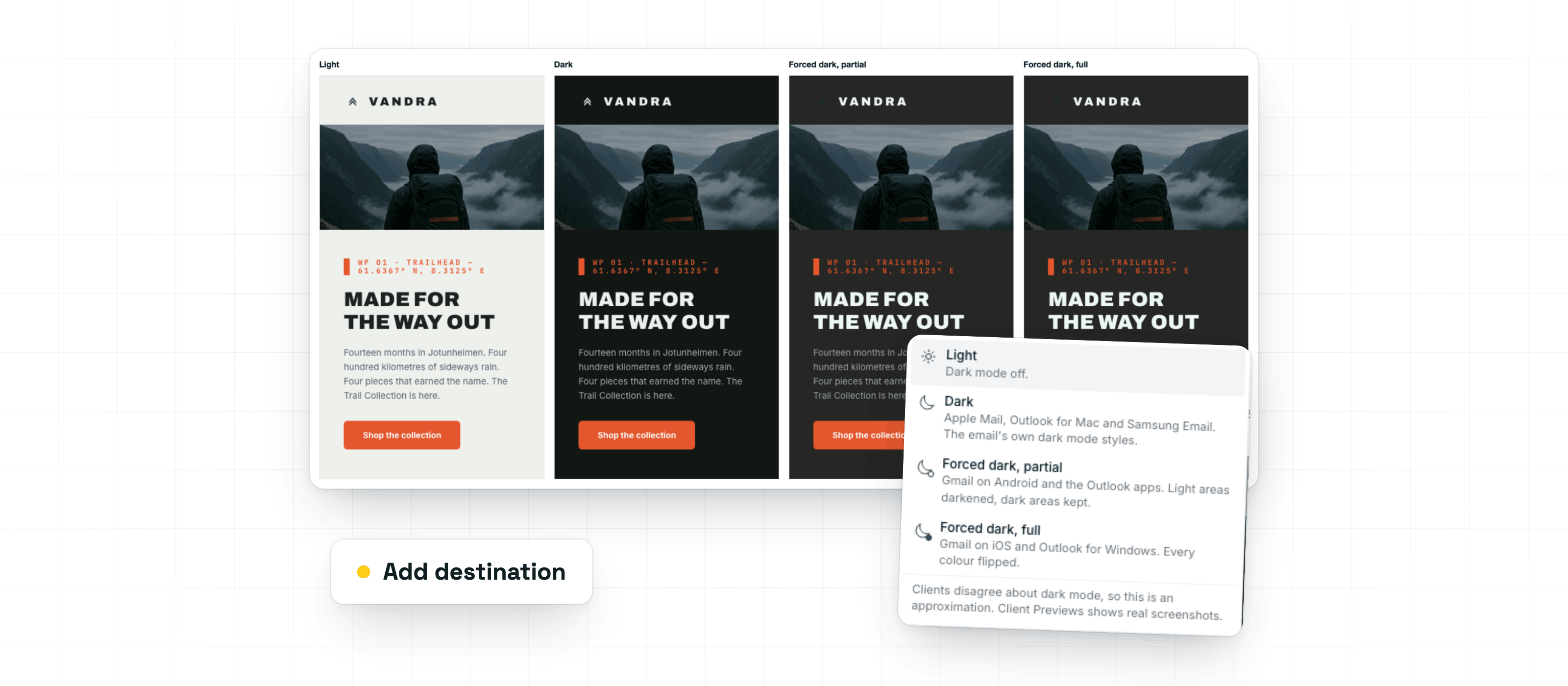
Read the updateThis week adds dark mode previews and checks, clearer Destination settings, and safer provider workflows for teams that export to more than one place.
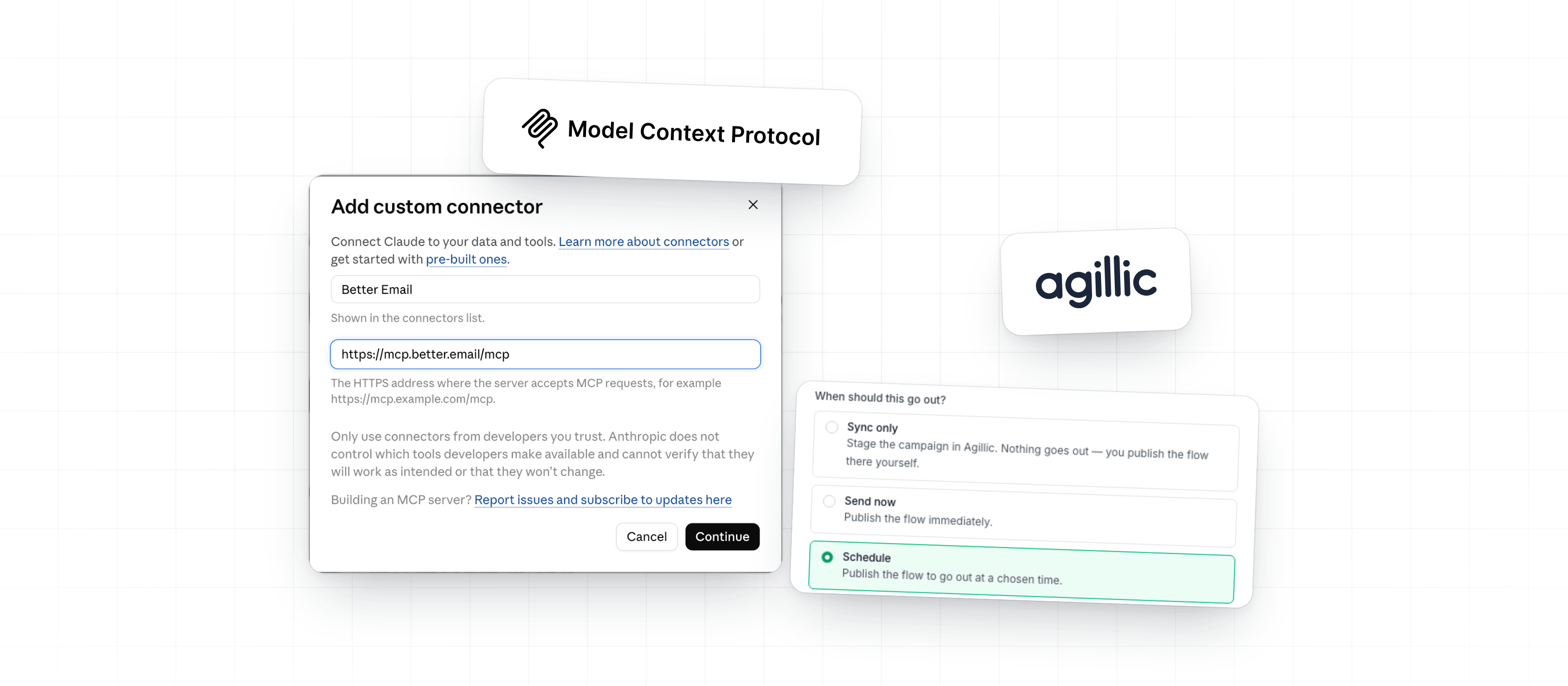
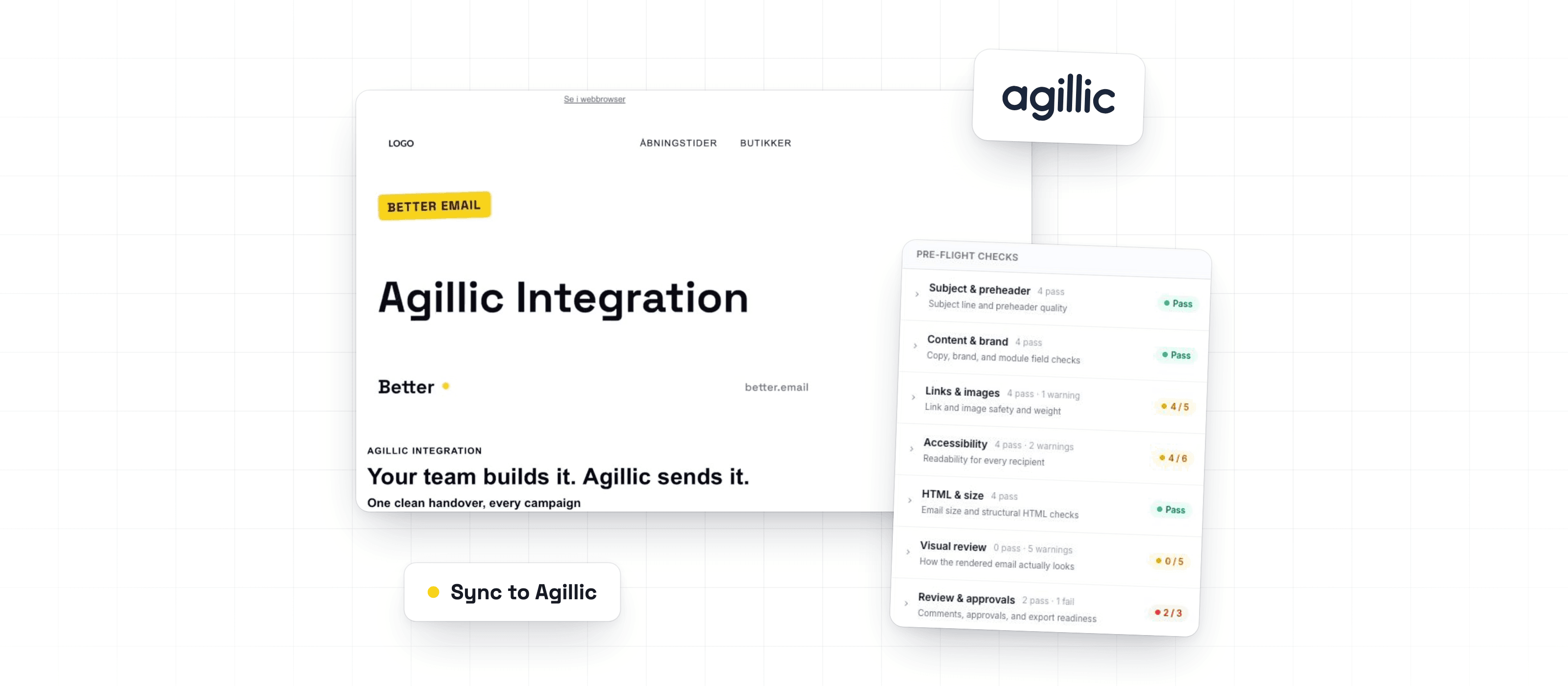
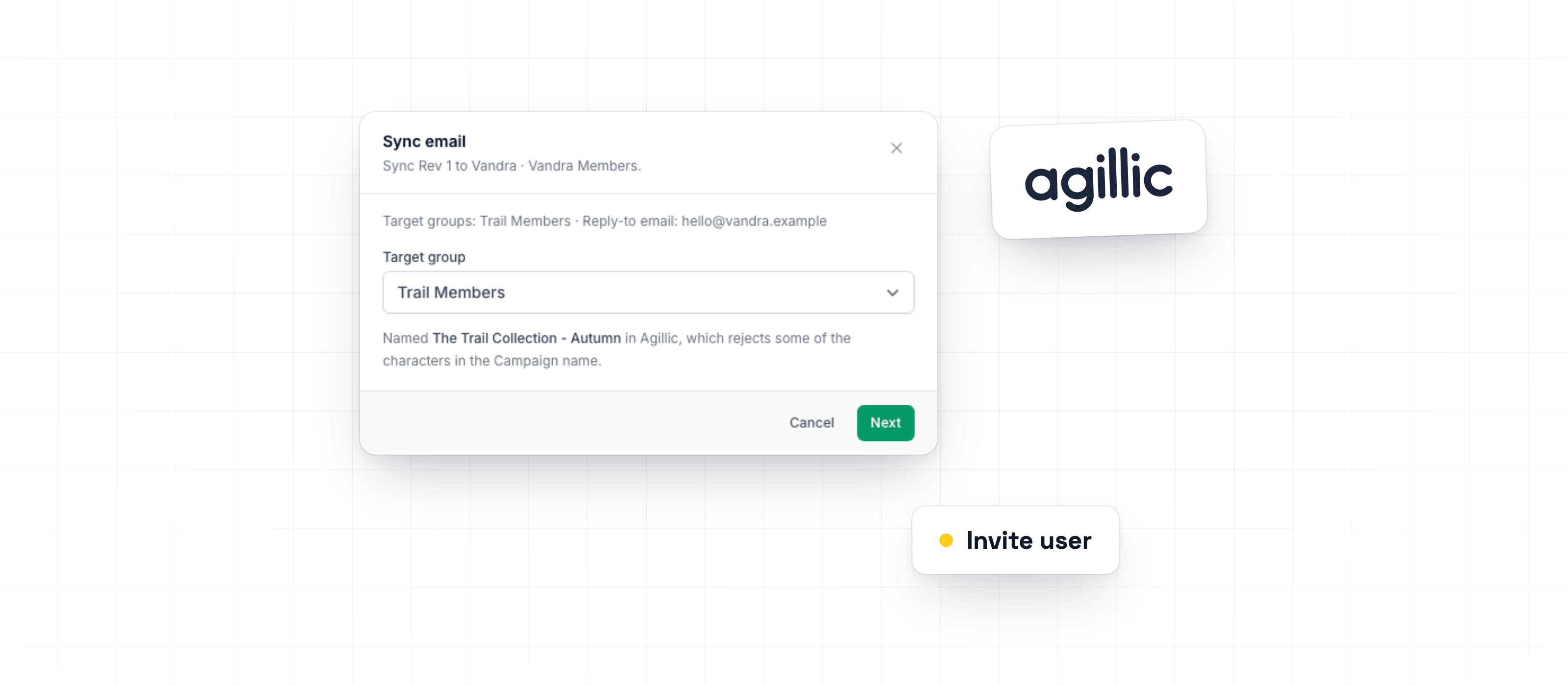
Read the updateThis week lets teams build with their preferred AI client, send Agillic Campaigns from the review flow, and work more reliably with Betty and the Campaign Editor.
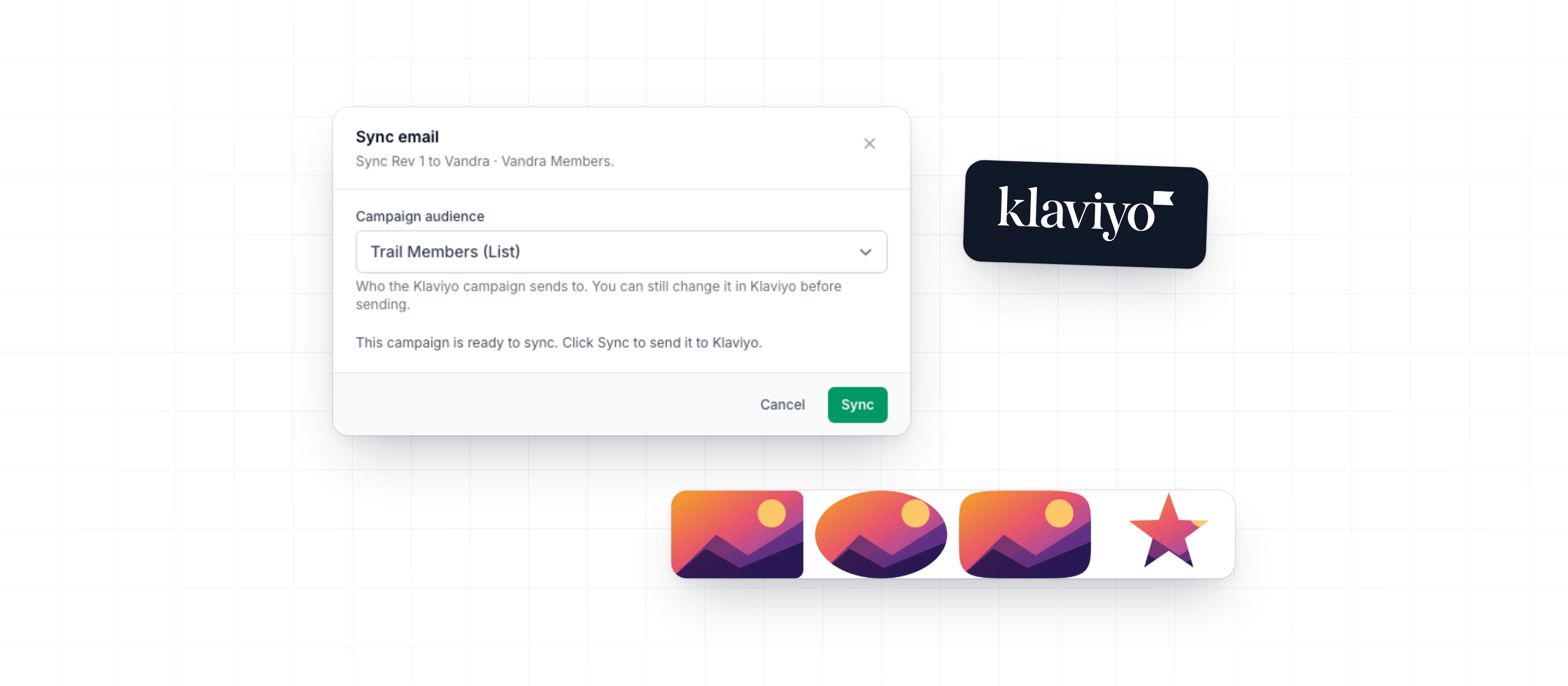
Read the updateThis week makes Klaviyo exports more Campaign-specific, adds flexible image masks for Design Systems, gives Betty more room to work with attached files, and fixes issues with trials, product feeds, rich text editing, segmentation, and exports.
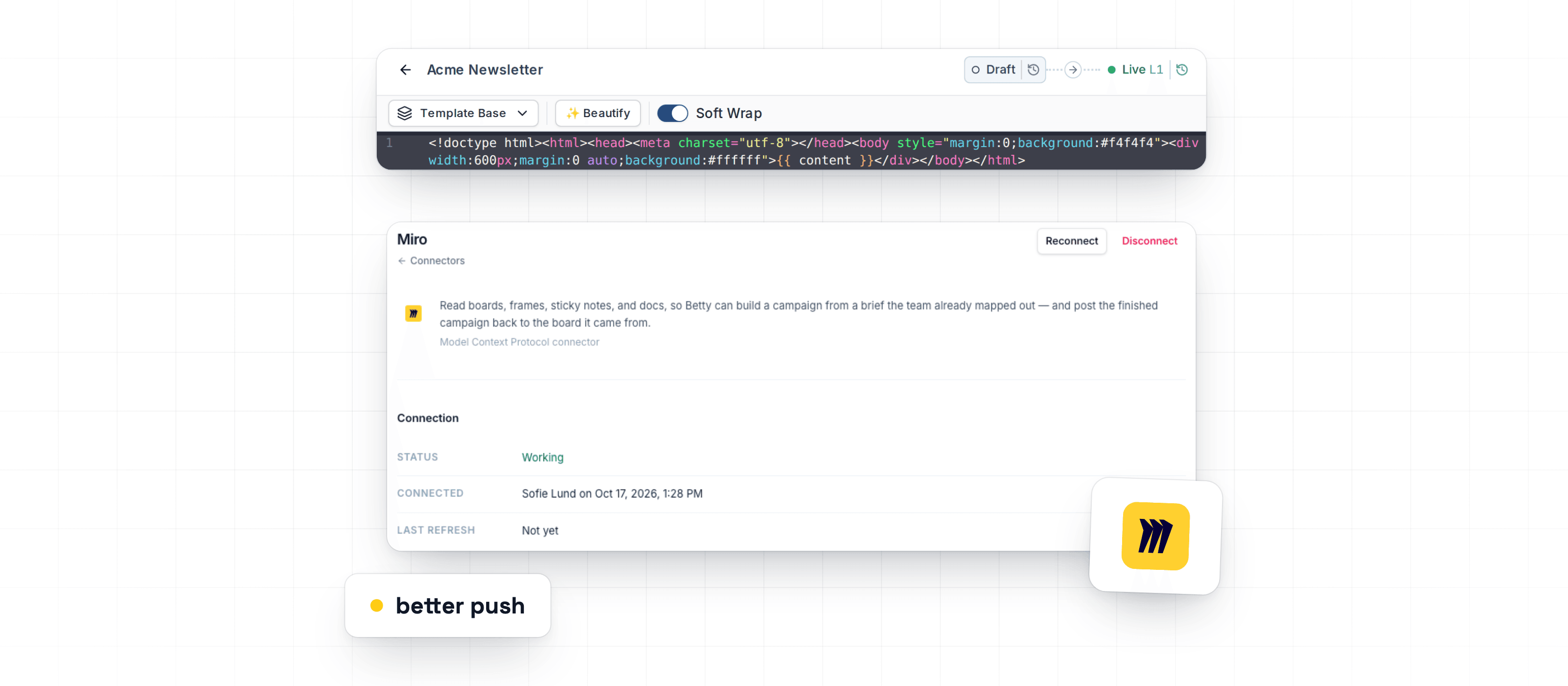
Read the updateThis week helps teams keep coded Design System modules ready for marketers, lets Betty use approved Miro content during Campaign work, and fixes issues that could block previews, translations, checks, and older Campaigns.
Read the updateBetter Email now integrates with Agillic, making it possible for everyone on your team to build and ship error-free campaigns directly to Agillic from one place.
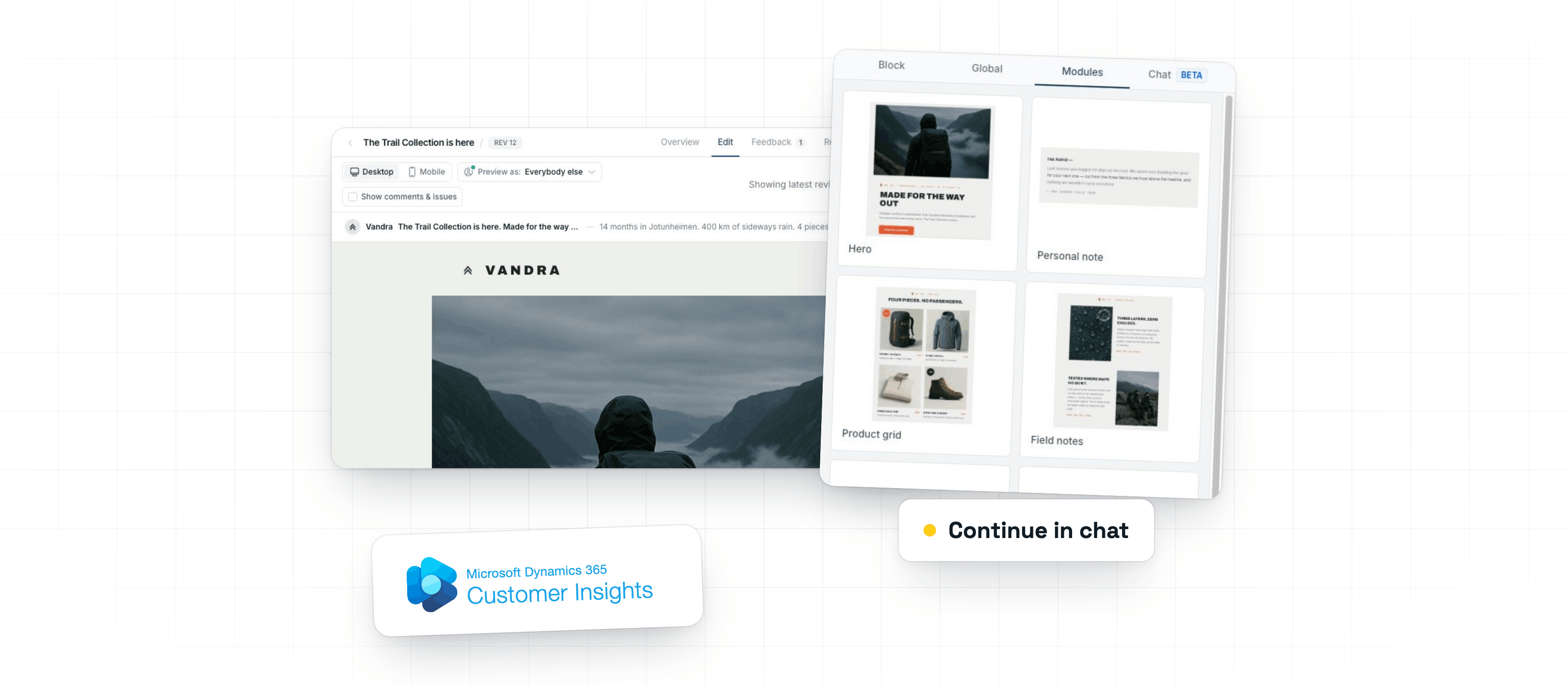
Read the updateThis week improves Betty for Campaign and Design System work, adds safer Microsoft Dynamics 365 Customer Insights - Journeys personalization exports, and reduces interruptions around review, export, and feedback steps.
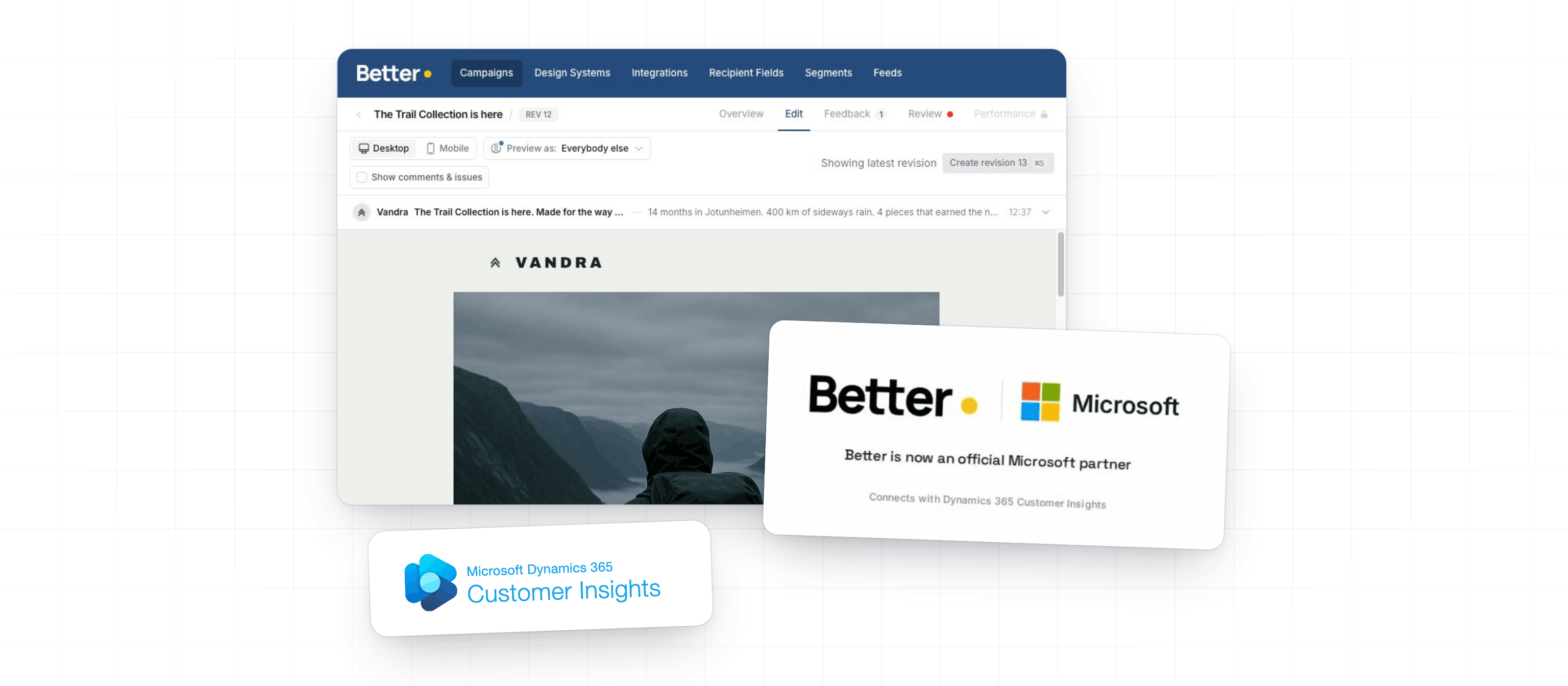
Read the updateBetter Email is now a Microsoft Partner and available on Microsoft Marketplace. Teams can build, review, and approve campaigns in Better Email, then export directly to Microsoft Dynamics 365 Customer Insights - Journeys.
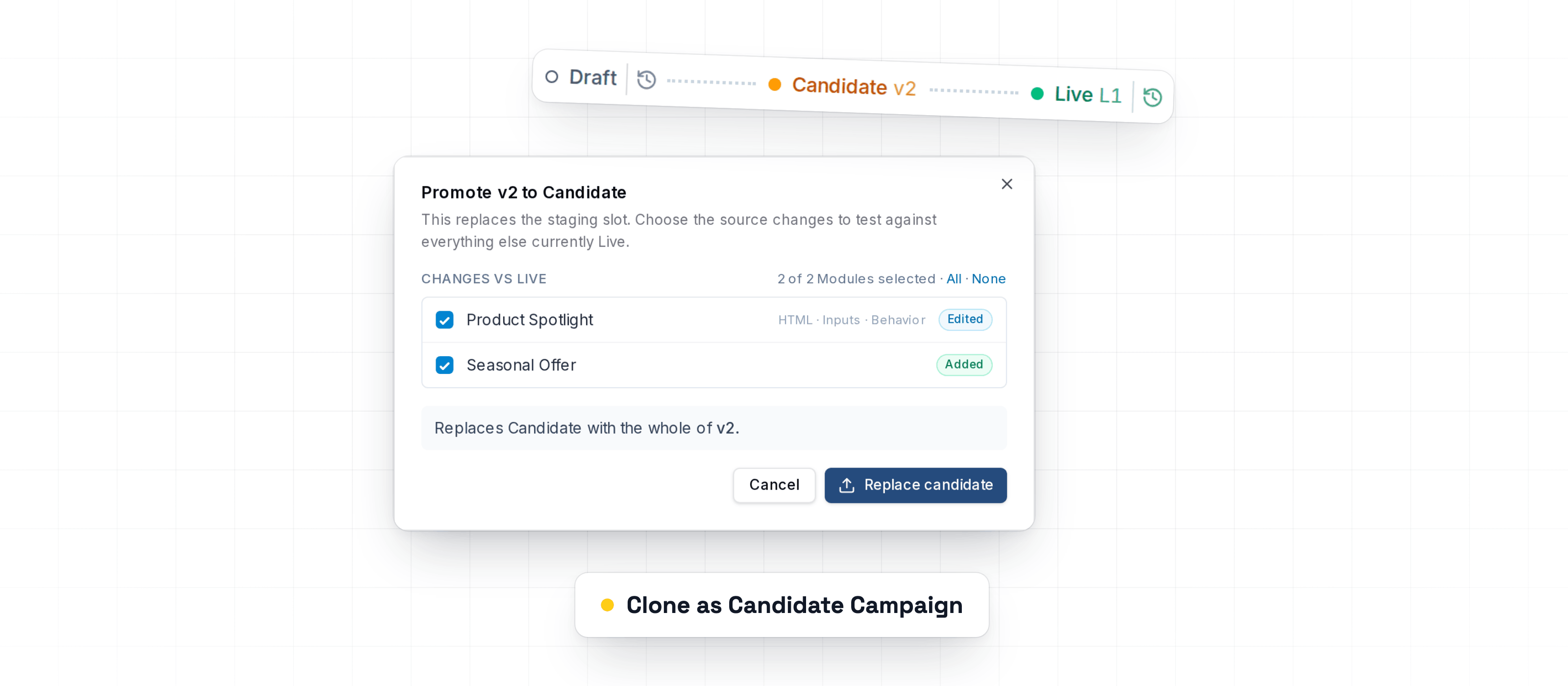
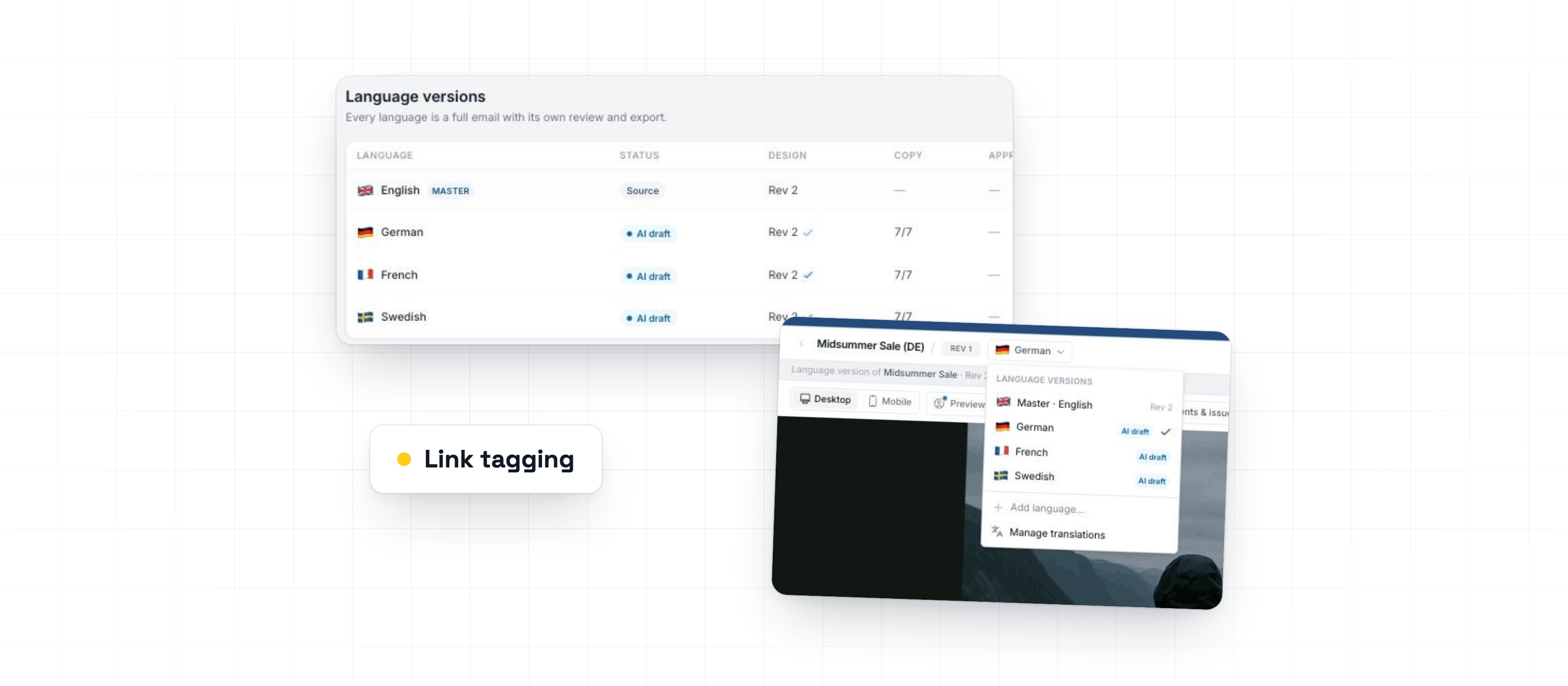
Read the updateThis week adds safer Design System testing, restores reliable PDF and PNG downloads, and improves Braze and link-tagging export checks.
Read the updateThis week adds localized Campaign workflows, expands provider export support, and fixes issues that made campaign edits, reviews, and exports take longer than they should.
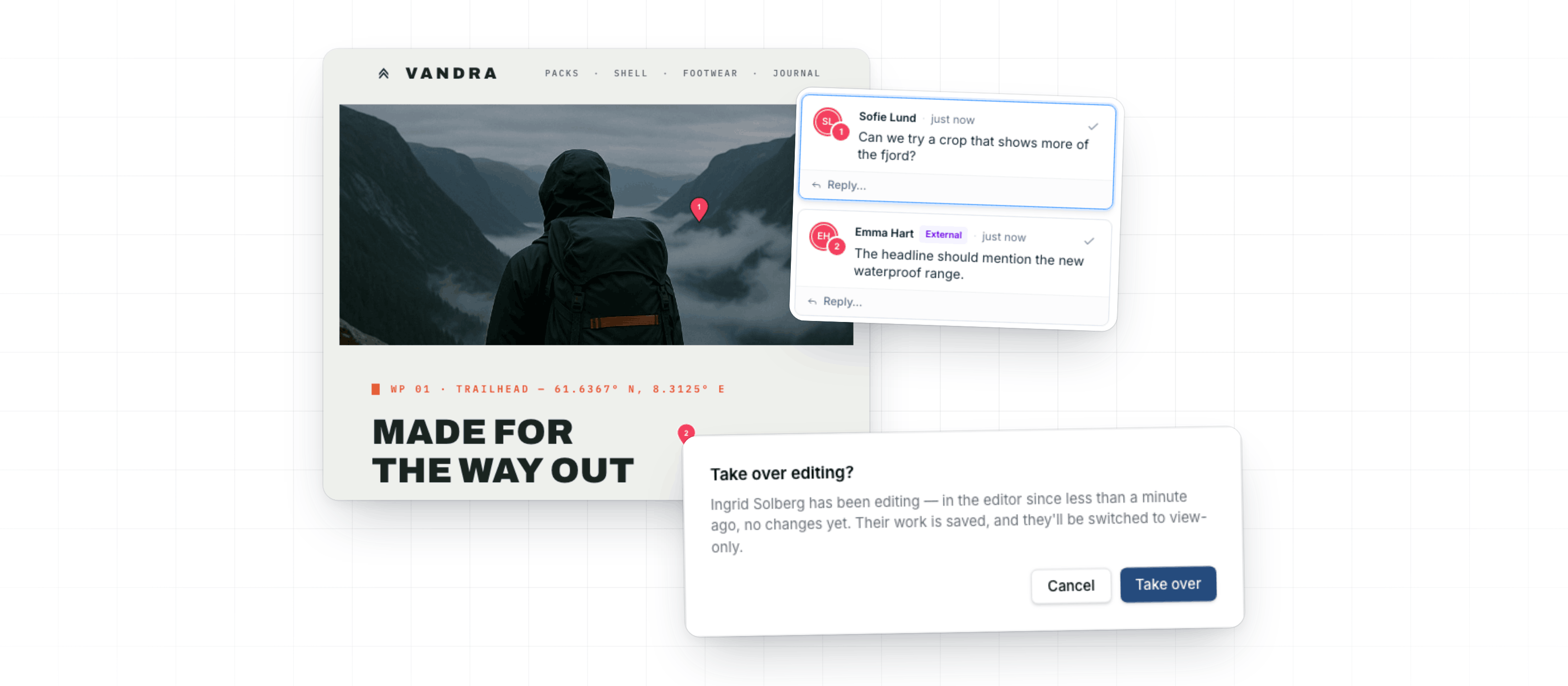
Read the updateThis week's updates help teams collaborate safely on Design Systems, control image rendering more precisely, and keep review and export feedback easier to act on.
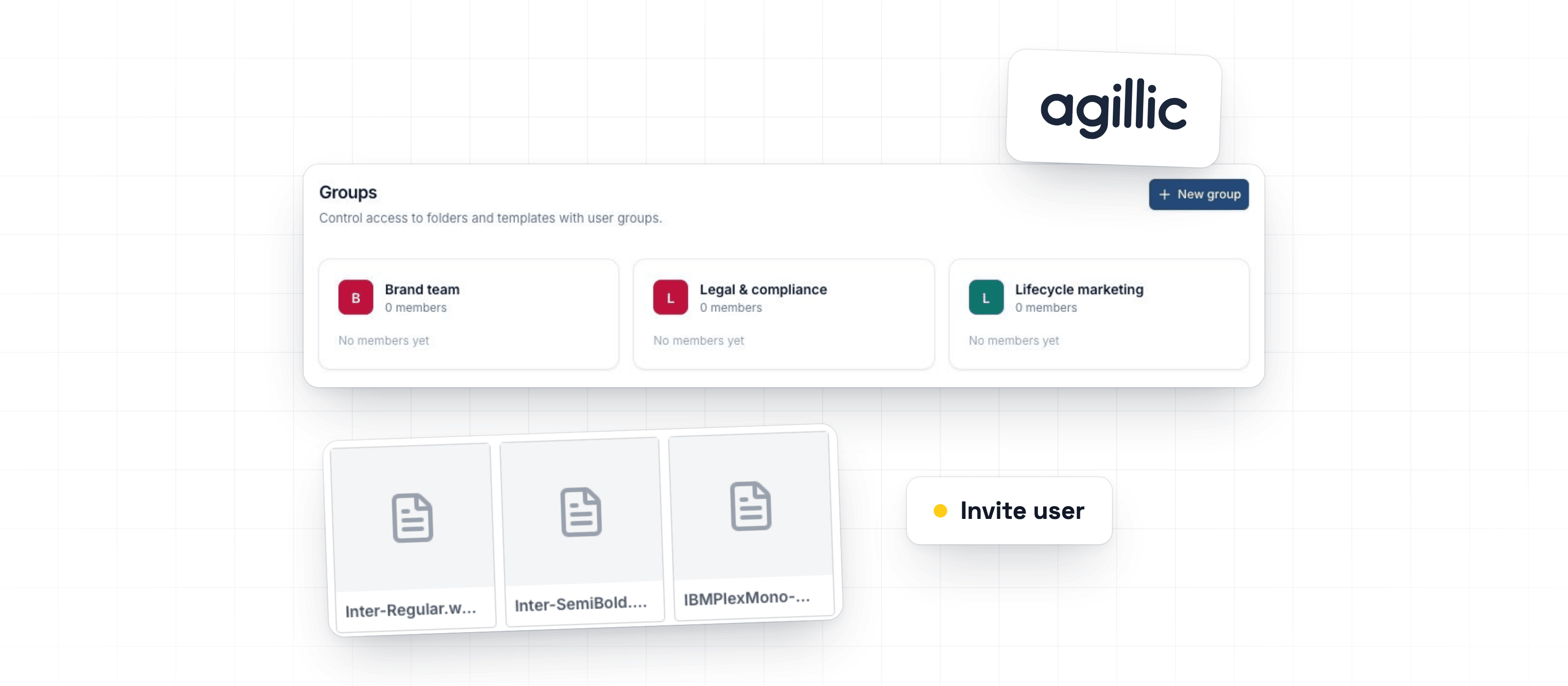
Read the updateThis week improves team access setup, reusable brand fonts, and Agillic publishing feedback.
Read the updateThis week's updates help teams resolve Agillic export issues faster, upload brand fonts more reliably, and keep group access intact when inviting or re-inviting teammates.
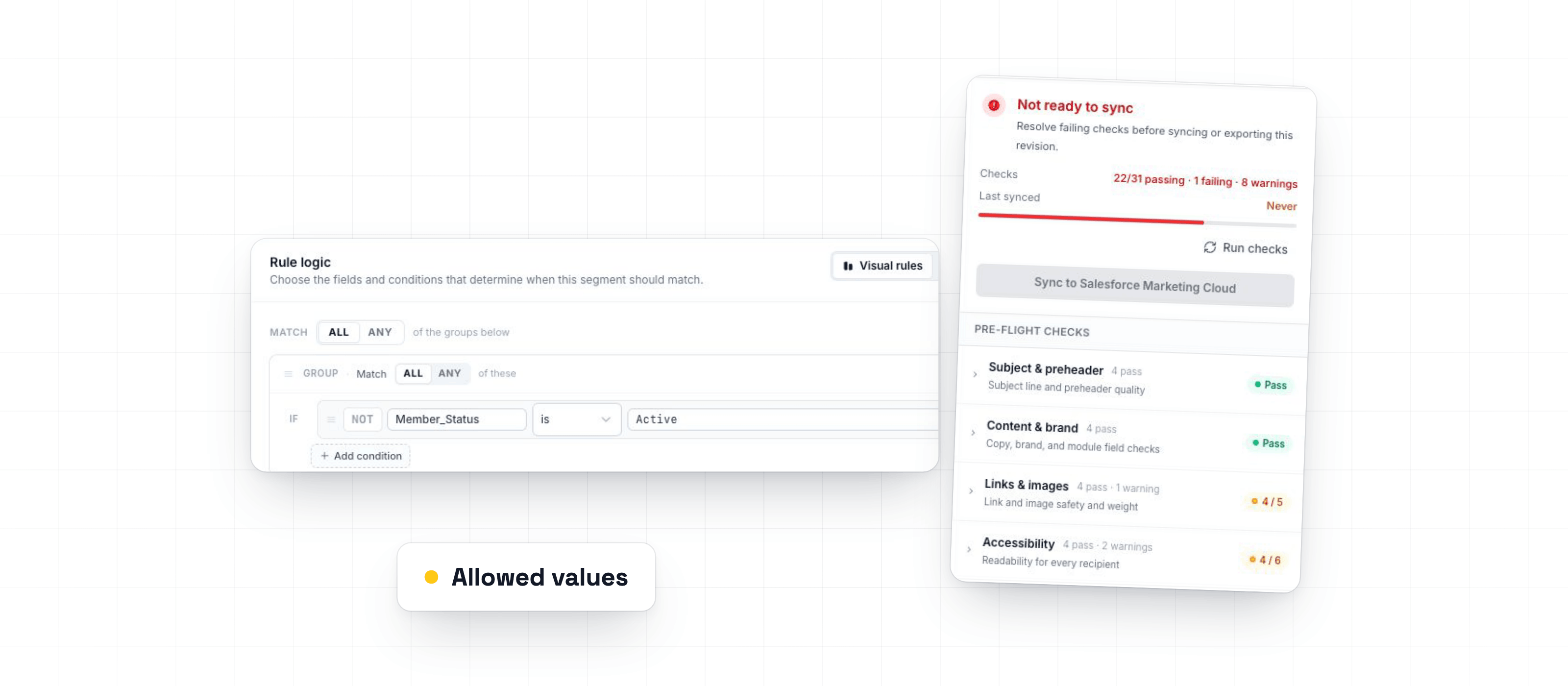
Read the updateThis week makes it easier to build accurate audience segments, catch email issues before export, and keep shared libraries permission-safe.
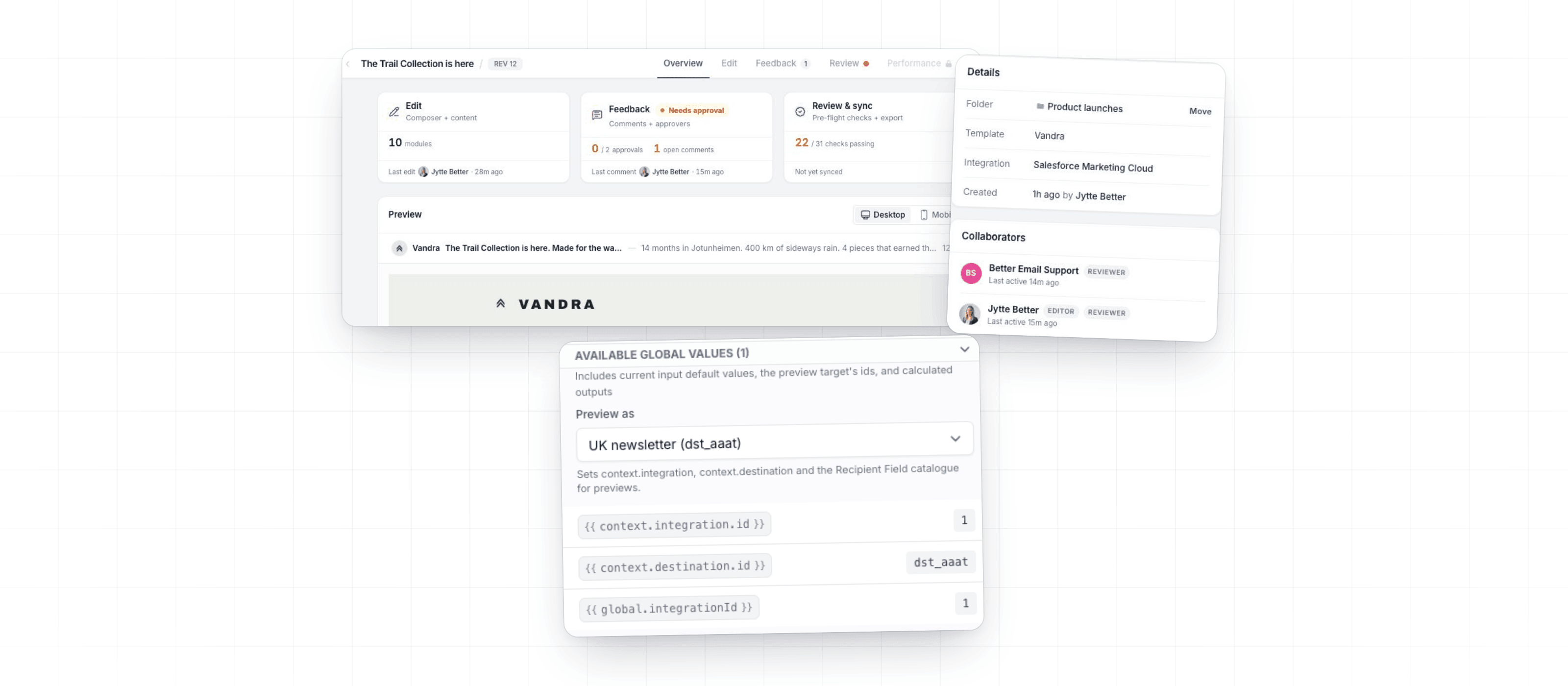
Read the updateThis week's updates add Render Context for template authors, improve setup controls, and fix issues where migrated emails could appear blank, outdated, or difficult to publish.
Read the updateThis week adds major export options, improves template review, and gives teams more control over email libraries, modules, previews, and assets.
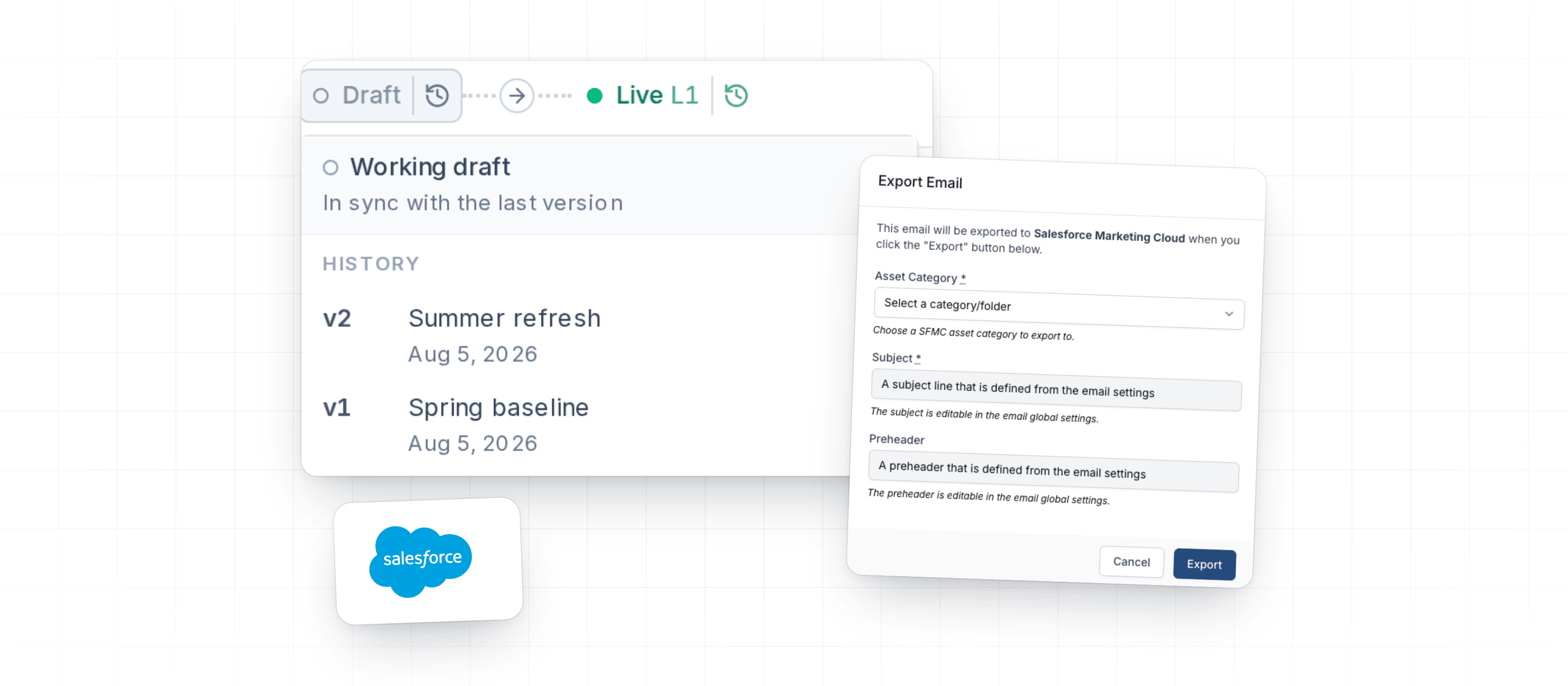
Read the updateThis week improves the updated template experience and fixes Salesforce Marketing Cloud metadata handling during export.
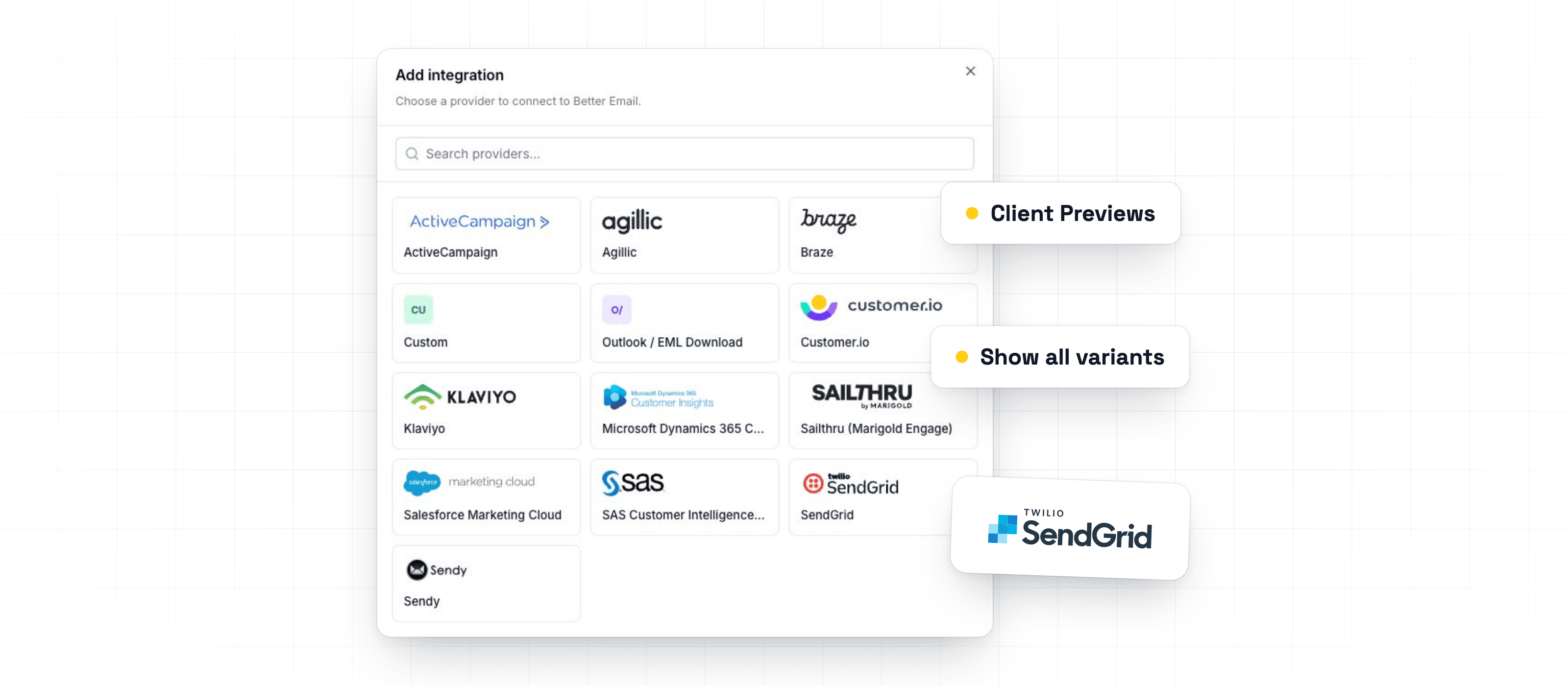
Read the updateThis week improves feed setup, integration selection, and segmentation previews for teams building personalized emails across multiple integrations.
Read the updateThis week expands export support and improves feed-heavy workflows, especially for teams working with product data and larger imports.
Read the updateThis week improves review visibility and makes smaller screens more comfortable when checking email work on the go.
Read the updateThis week adds clearer reviewer access and audit history for teams that separate editing, reviewing, and approval.
Read the updateThis week continues the review workflow polish and improves how previews, segmentation, and Salesforce Marketing Cloud output behave during day-to-day work.
Read the updateThis week improves the path from editing to review, with better approval controls, richer email metadata, and more useful Betty context.
Read the updateThis week focuses on giving template teams more control over complex templates, while making it clearer when saved template changes are ready for marketers to use.
Read the updateBetter Email can now export emails directly to Microsoft Dynamics 365 Customer Insights - Journeys. Finished emails are created as draft assets in Dynamics, ready for your team to review and use in Journeys.
Read the updateSalesforce Marketing Cloud templates now handle personalized links more safely in Better Email. You can use merge tags and AMPscript in links, and Better Email prepares the final output for SFMC automatically.
Read the updateGlobal settings and Shared inputs are now available in the Template Editor. Together, they make it easier to build one template that works across brands, markets, languages, and business units.
Read the updateTemplate inputs now give template authors more control over what marketers can enter in the Email Editor. You can guide users toward valid content before review and export, without adding manual checks at the end.
Read the updateSegmentation is now live. Target individual modules in any email to specific audience groups, fully integrated with your ESP, no custom setup required.
Read the updateBetty just got a lot smarter, and a lot more personal. New features give you fine-grained control over what Betty can do and how she sounds.
Read the updateWe've just launched a new free tool that solves one of email development's most frustrating problems: font fallbacks.
Read the updateTemplates now have full revision history, giving you version control for your email templates without leaving Better Email.
Read the updateA round of improvements and fixes from the last quarter of 2025.
Read the updateBetty, our AI email assistant, is now available directly inside the template editor, bringing AI-assisted development to the people building and maintaining your email templates.
Read the updateWe've completely redesigned the template editor: the tool template developers use to build and maintain email templates in Better Email.
Read the updateWe're excited to introduce Betty, an AI-powered assistant built right into the Better Email editor.
Read the updateA collection of improvements we've shipped over the summer to make the email building experience smoother and faster.
Read the updateSubject line and preview text can be exported with your email asset.
Read the updateJust last month, we might've been the only ones in the world to discover that Outlook secretly now supports 900+ fonts. Follow us here:.
Read the updateA round of quality-of-life improvements for the template editor and the export flow.
Read the updateYou now have the possibility to download your email as a PDF/PNG, making it easier to share your campaign, without sending HTML or test emails from your ESP.
Read the updateWe've shipped a series of improvements to our Salesforce Marketing Cloud integration, making it easier to manage your emails across Content Builder.
Read the updateYou now have the possibility to translate your emails into any language. We made sure that you have full control of which part of the email that is translated.
Read the updateA trash can icon will join your folders on the dashboard. Deleted emails will appear in this folder, where you will have the option to restore them.
Read the updateYou can now make an exact copy of an edited component. This is the first step towards more personalized components, and we are looking forward to hear your feedback.
Read the updateYou will now be able to design and work together with your colleagues, in the same email! Join the battle, when your colleagues are smashing that keyboard, creating beautiful e-mails, and speeding up the process, as it was always was meant to be!
Read the updateToday we're launching our Customer.io integration and its many ways of sending Email messages.
Read the updateWe have an early Christmas present for those of you who have a need for creating tracking attributes for your links. Merry Christmas 🎄
Read the updateToday we're bringing a small handful of improvements for the email and template editor.
Read the updateIt's now possible to send a test email directly from Better Email, without having to export the email to your ESP first!
Read the updateNow there's easy access to "Email Settings" and the "Clone feature" directly from the Email overview!
Read the updateWe just released a change to the export flow, which means you will now be able to see when the email was last exported! Furthermore, we also show if you've made changes in Better Email that you haven't exported yet.
Read the updateWe're happy to announce that today we've launched our extensive Developer Documentation 🧑💻!
Read the updateToday we're launching our HubSpot integration. With one click, you can export your email into a new Marketing Email in HubSpot - and send out your campaign in seconds!
Read the updateToday, on the last day of the year, we are happy to ship two exciting features!
Read the updateBased on valuable feedback from our customers, we've decided to rename Designs to Templates.
Read the updateFor all you visually-minded persons out there, we've introduced a thumbnail previews for emails as well as an new way to browse your emails, Grid View.
Read the updateIt's not always easy to find the that specific email you were working on a few days ago.
Read the updateWe know, Emails + Images = 🤯. Getting images right is hard. Resizing in right proportions, supporting DPI and compressing them correctly and in formats that all email clients can read takes time and effort. Introduce dynamic sizing/proportions based on breakpoints or component settings, and it becomes and almost unmanageable task to upload all the right image versions.
Read the update