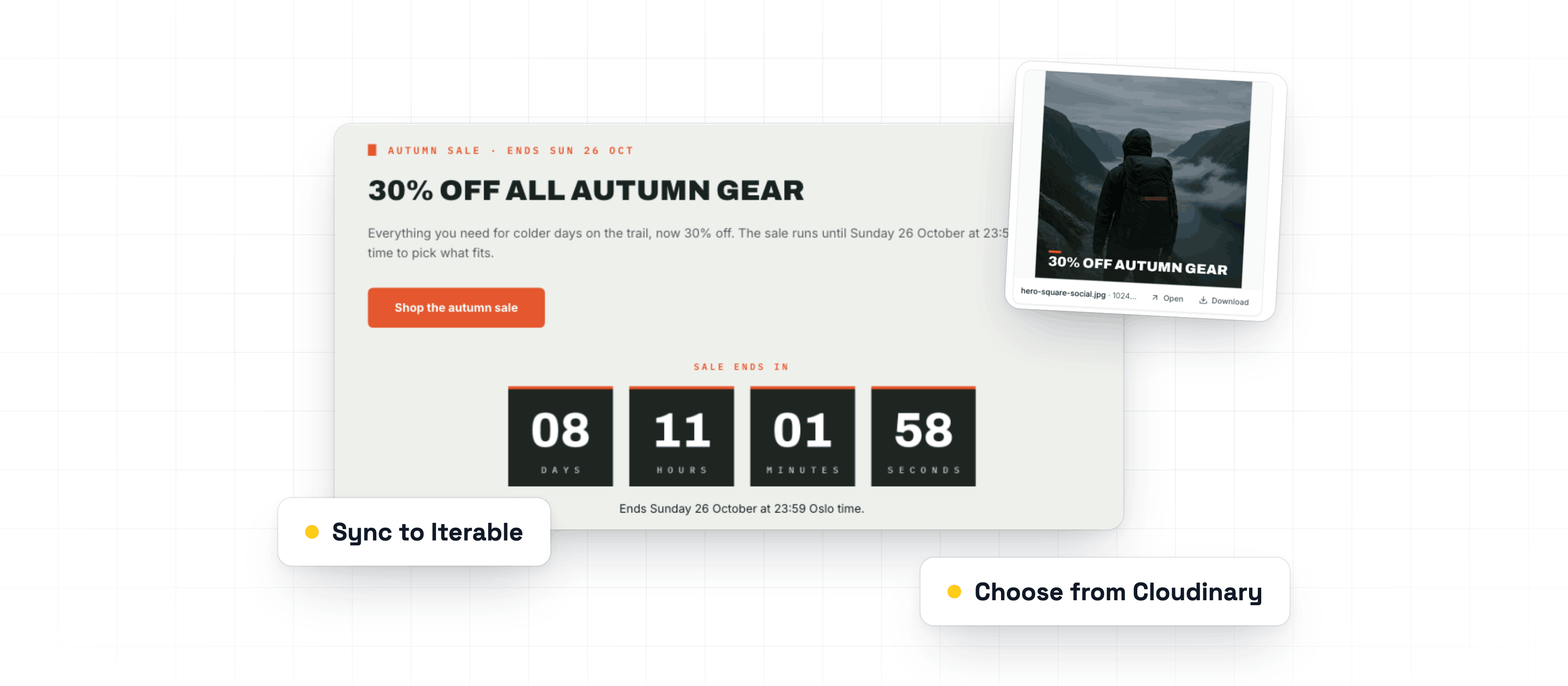
Countdown timers, Cloudinary, and Iterable
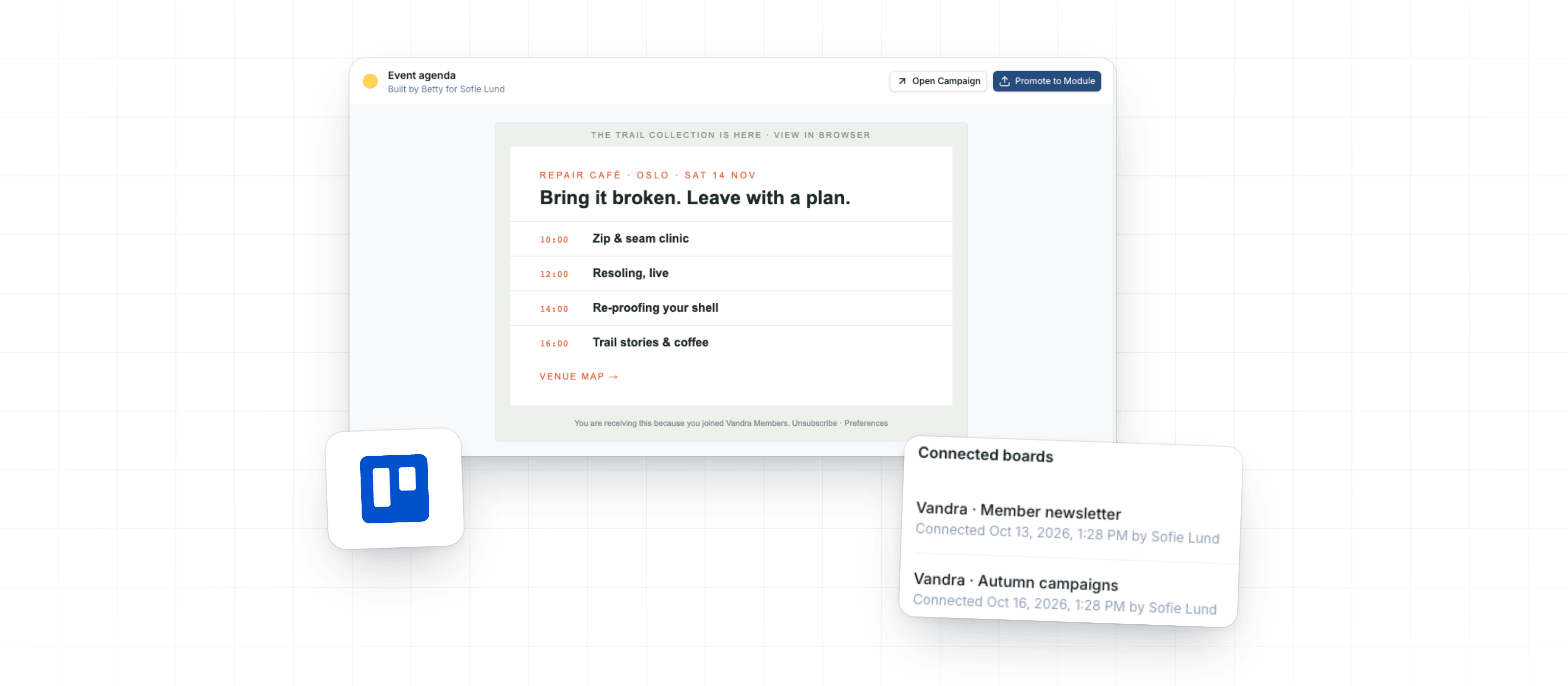
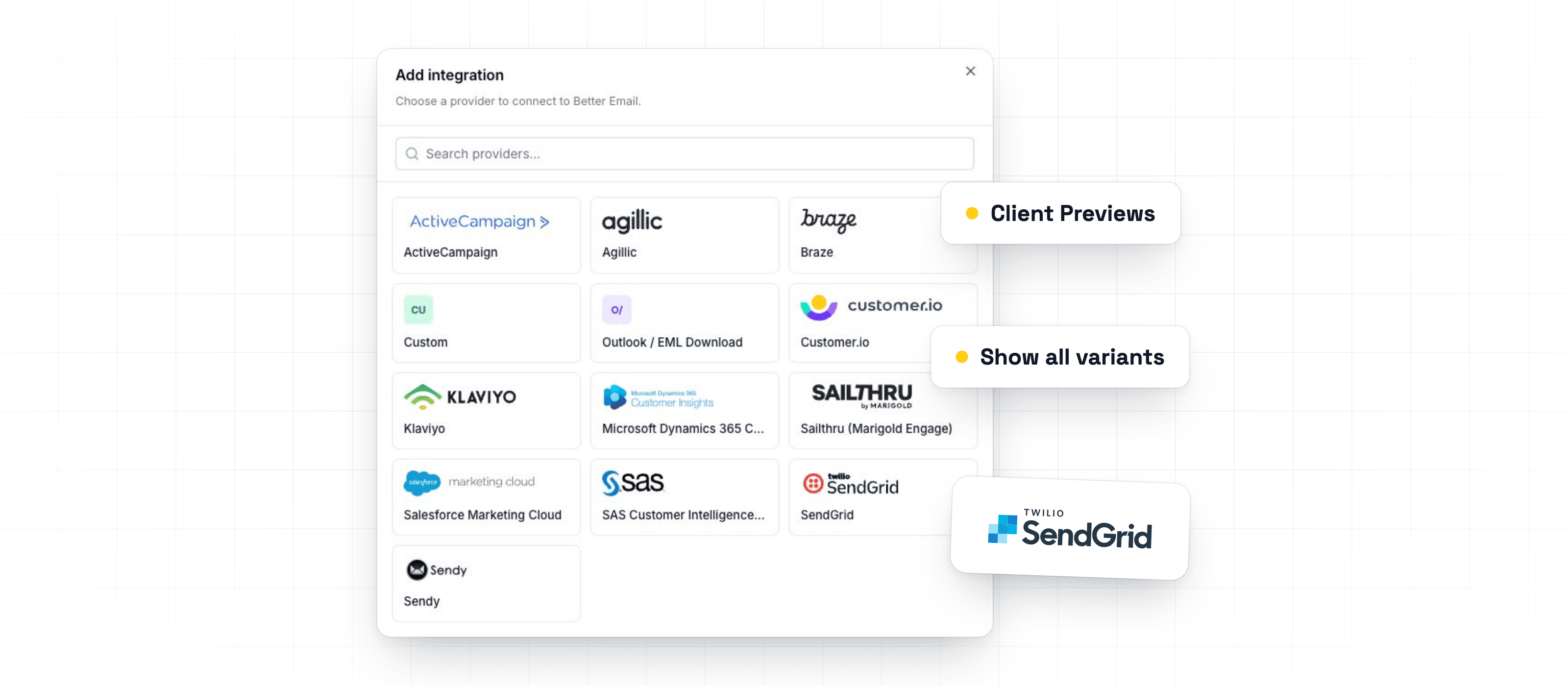
Ask Betty for a live countdown timer or an image edit. Pick images from Cloudinary right in the image field. Sync Campaigns to Iterable, and see opens and clicks from HubSpot and Dynamics.
Read the updateChangelog
Design Systems, Modules, the Template Editor and template authoring.
Ask Betty for a live countdown timer or an image edit. Pick images from Cloudinary right in the image field. Sync Campaigns to Iterable, and see opens and clicks from HubSpot and Dynamics.
Read the updateThis week, you can turn Betty's AI Blocks into reusable Modules, ask her to create a Campaign from a Trello card, and attach images or GIFs up to 50 MB.
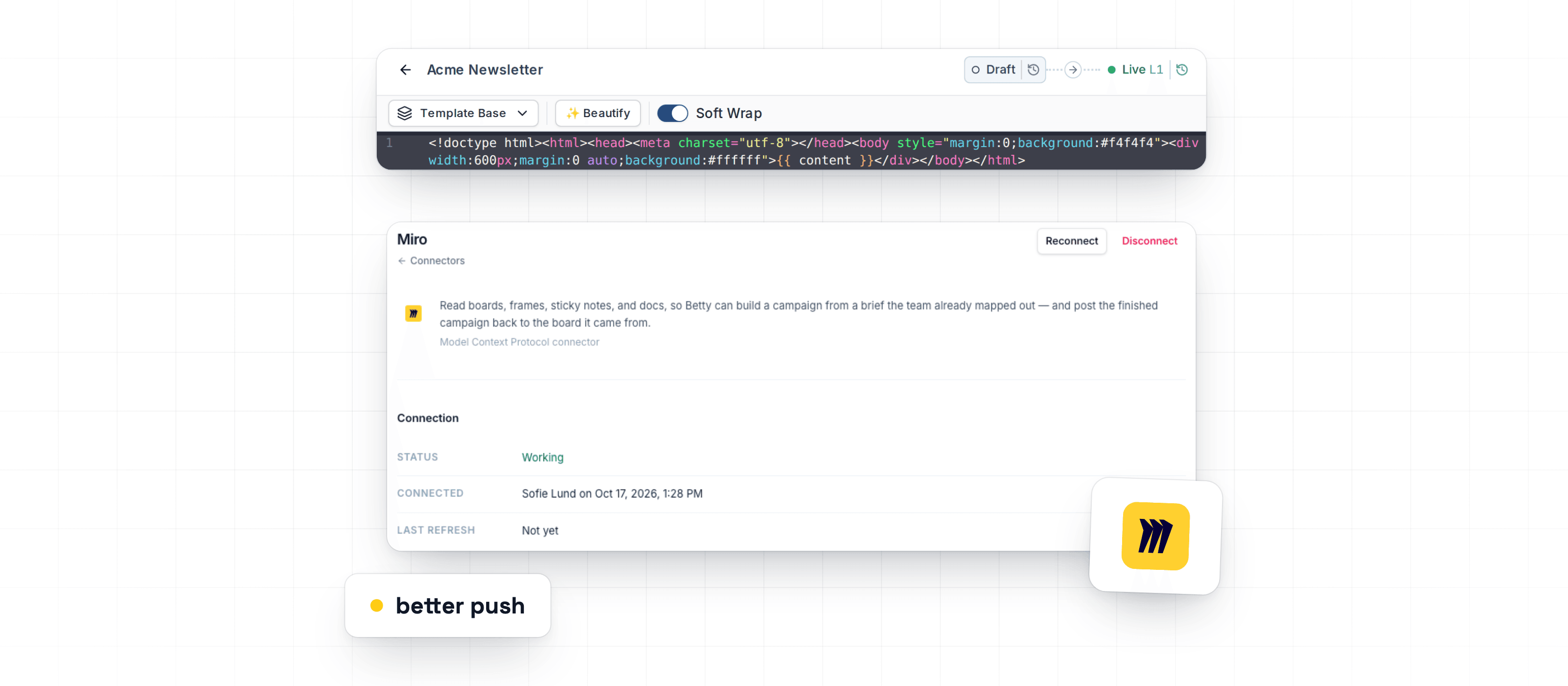
Read the updateThis week helps teams keep coded Design System modules ready for marketers, lets Betty use approved Miro content during Campaign work, and fixes issues that could block previews, translations, checks, and older Campaigns.
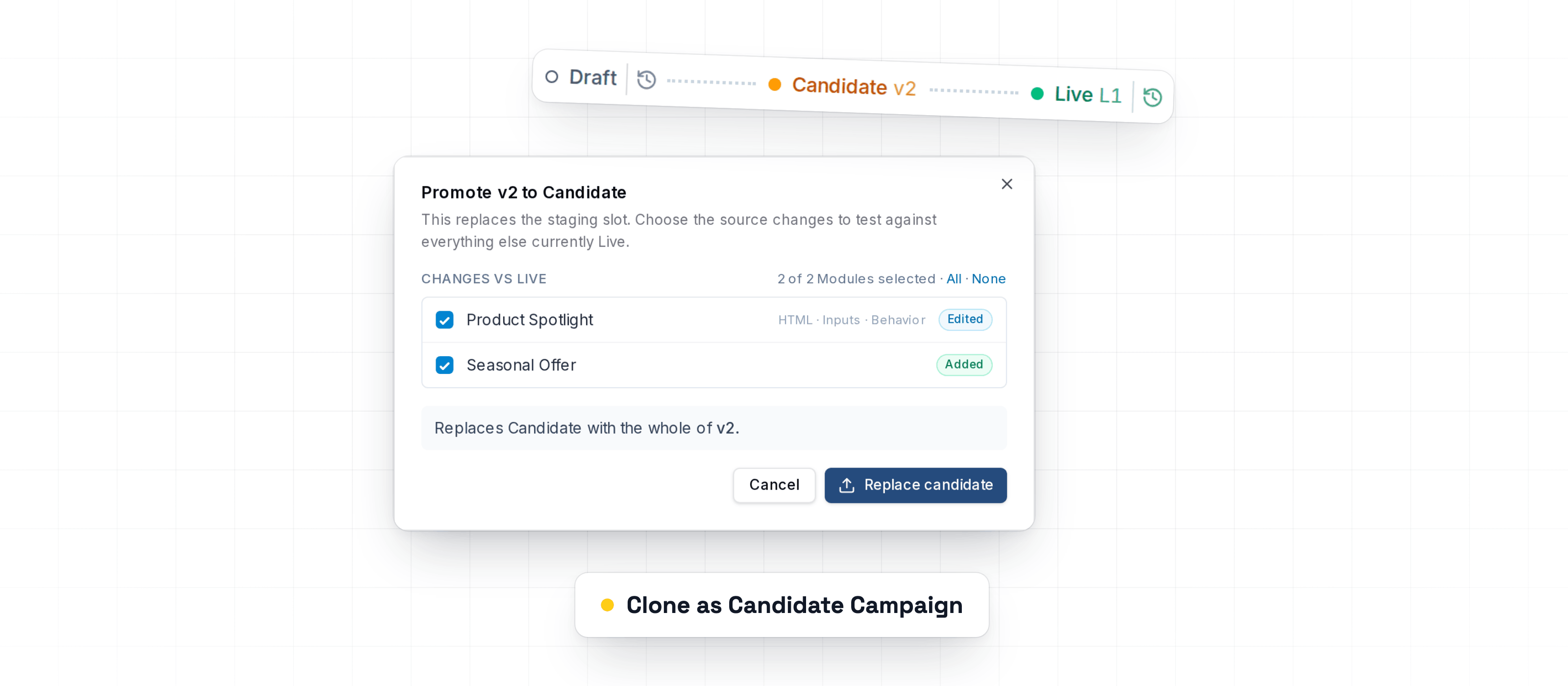
Read the updateThis week adds safer Design System testing, restores reliable PDF and PNG downloads, and improves Braze and link-tagging export checks.
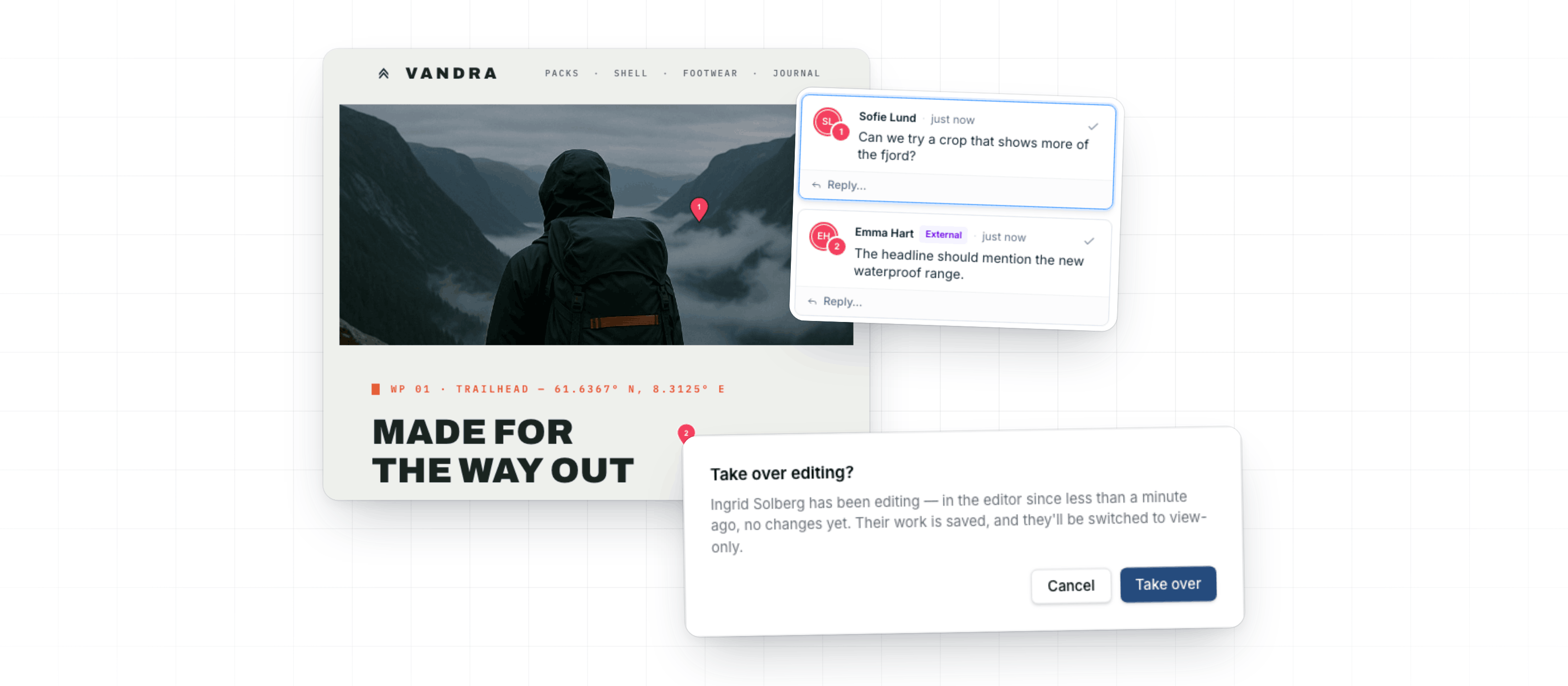
Read the updateThis week's updates help teams collaborate safely on Design Systems, control image rendering more precisely, and keep review and export feedback easier to act on.
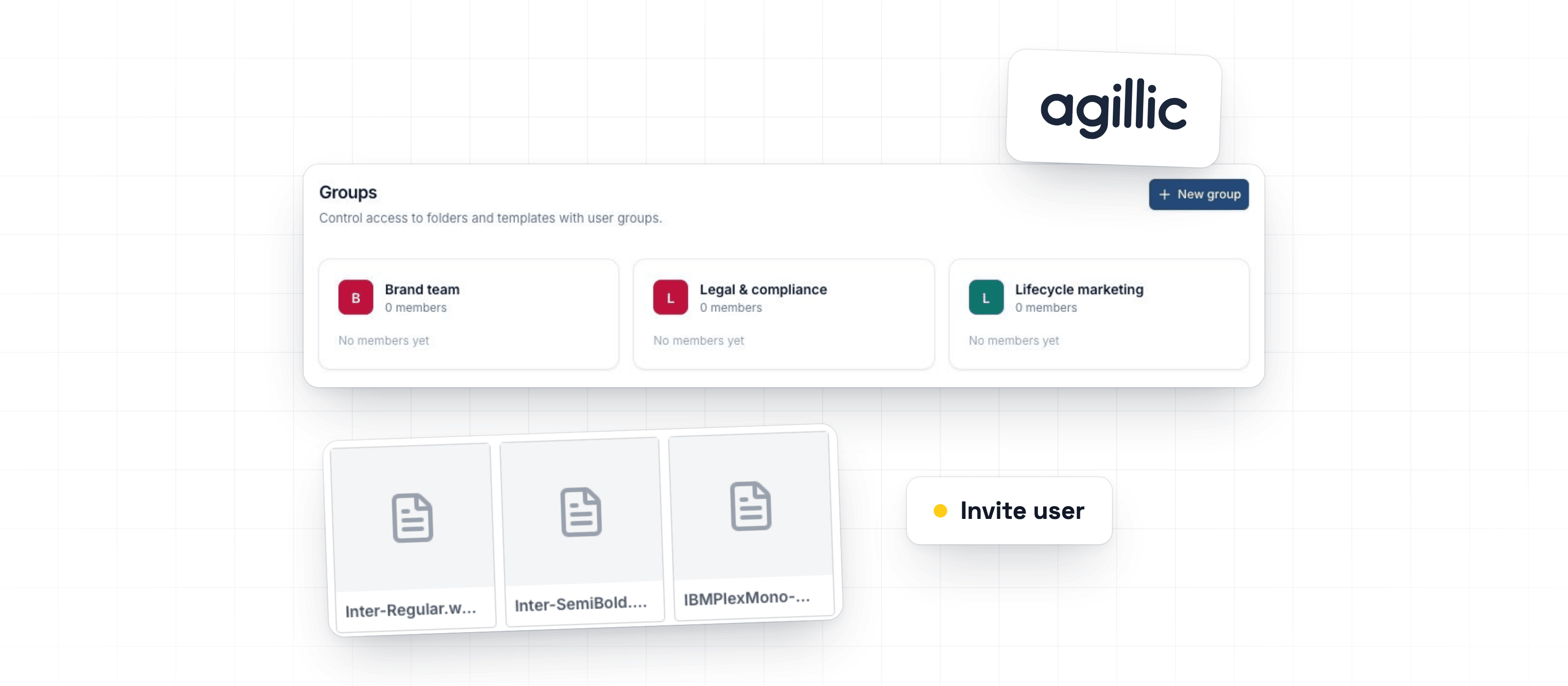
Read the updateThis week improves team access setup, reusable brand fonts, and Agillic publishing feedback.
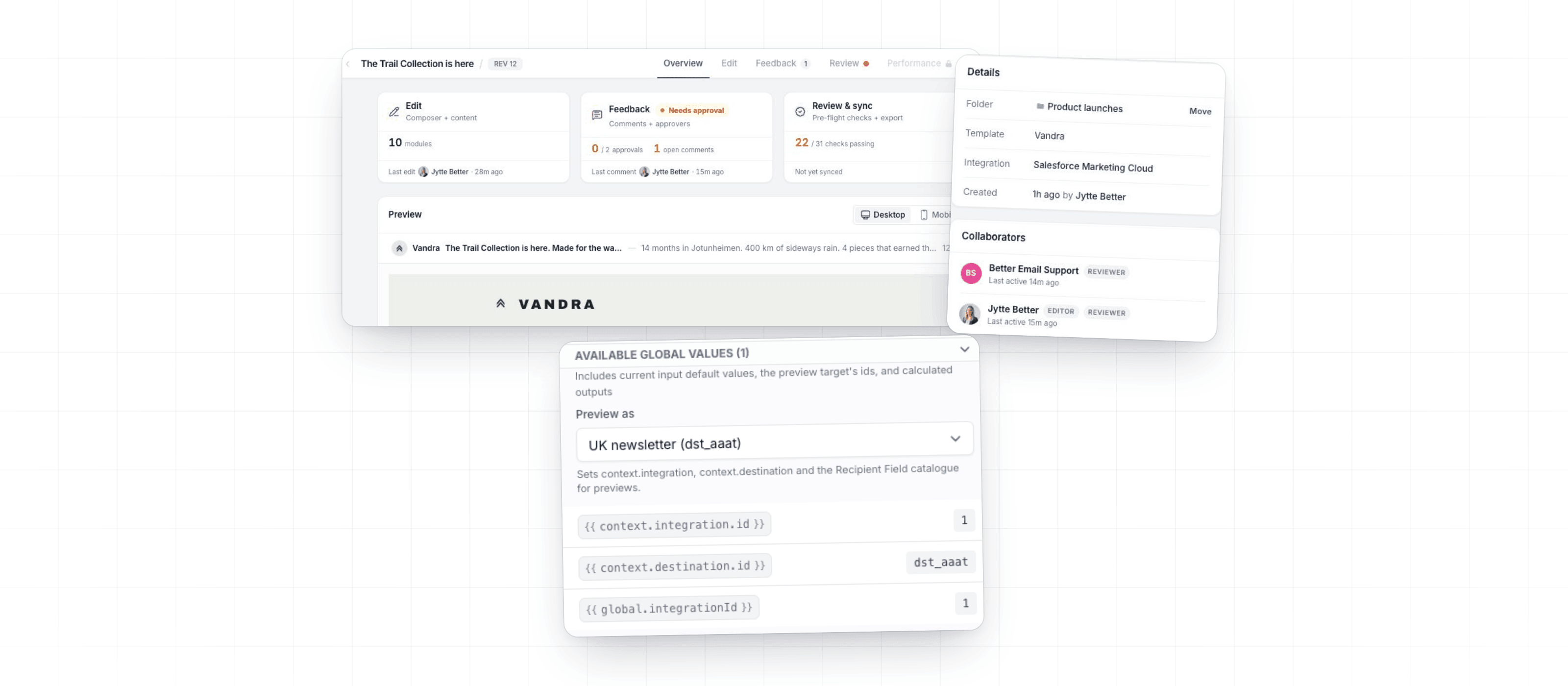
Read the updateThis week's updates add Render Context for template authors, improve setup controls, and fix issues where migrated emails could appear blank, outdated, or difficult to publish.
Read the updateThis week adds major export options, improves template review, and gives teams more control over email libraries, modules, previews, and assets.
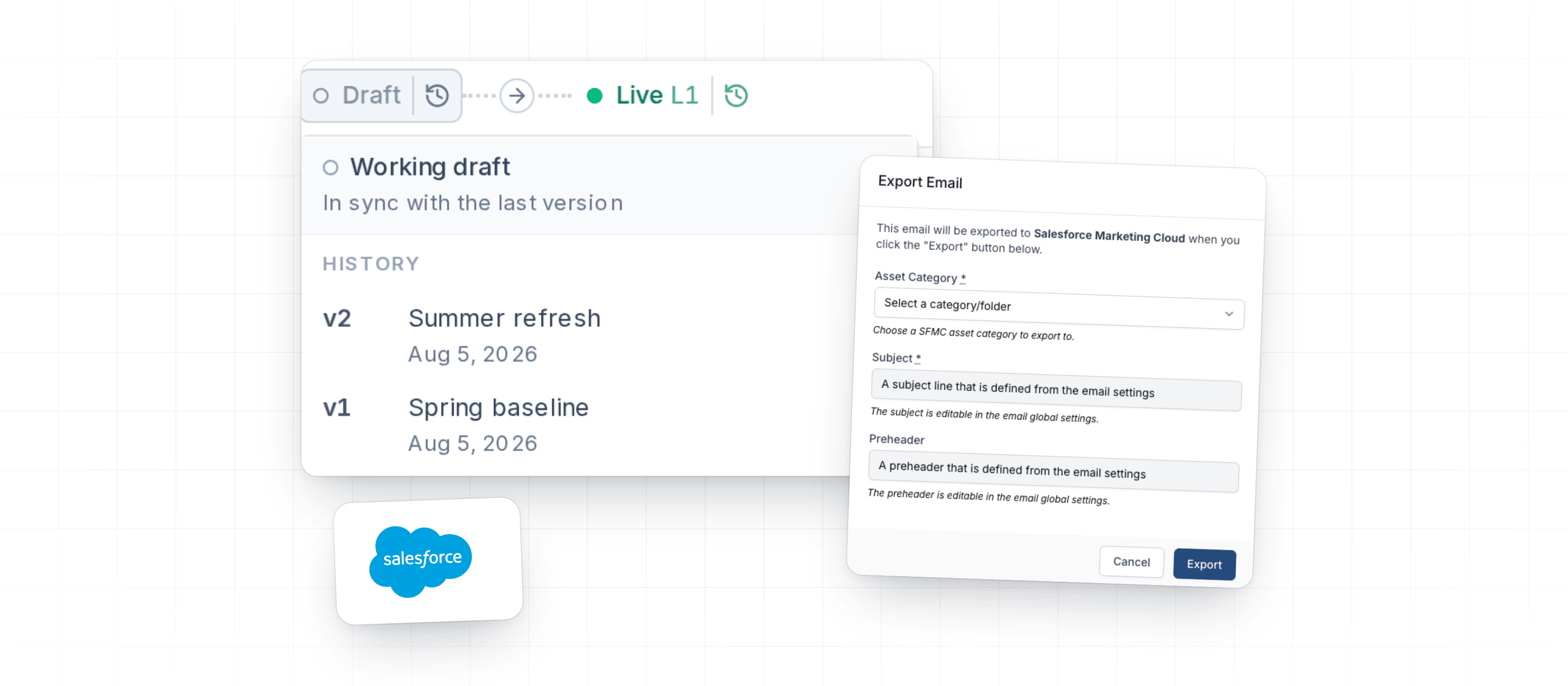
Read the updateThis week improves the updated template experience and fixes Salesforce Marketing Cloud metadata handling during export.
Read the updateThis week focuses on giving template teams more control over complex templates, while making it clearer when saved template changes are ready for marketers to use.
Read the updateGlobal settings and Shared inputs are now available in the Template Editor. Together, they make it easier to build one template that works across brands, markets, languages, and business units.
Read the updateTemplate inputs now give template authors more control over what marketers can enter in the Email Editor. You can guide users toward valid content before review and export, without adding manual checks at the end.
Read the updateWe've just launched a new free tool that solves one of email development's most frustrating problems: font fallbacks.
Read the updateTemplates now have full revision history, giving you version control for your email templates without leaving Better Email.
Read the updateA round of improvements and fixes from the last quarter of 2025.
Read the updateBetty, our AI email assistant, is now available directly inside the template editor, bringing AI-assisted development to the people building and maintaining your email templates.
Read the updateWe've completely redesigned the template editor: the tool template developers use to build and maintain email templates in Better Email.
Read the updateA collection of improvements we've shipped over the summer to make the email building experience smoother and faster.
Read the updateA round of quality-of-life improvements for the template editor and the export flow.
Read the updateWe're happy to announce that today we've launched our extensive Developer Documentation 🧑💻!
Read the updateBased on valuable feedback from our customers, we've decided to rename Designs to Templates.
Read the updateWe know, Emails + Images = 🤯. Getting images right is hard. Resizing in right proportions, supporting DPI and compressing them correctly and in formats that all email clients can read takes time and effort. Introduce dynamic sizing/proportions based on breakpoints or component settings, and it becomes and almost unmanageable task to upload all the right image versions.
Read the update