Comment emails, Betty on boards and SFMC Data Extensions

Nicki Pabst Rasmussen
Co-founder and CEO
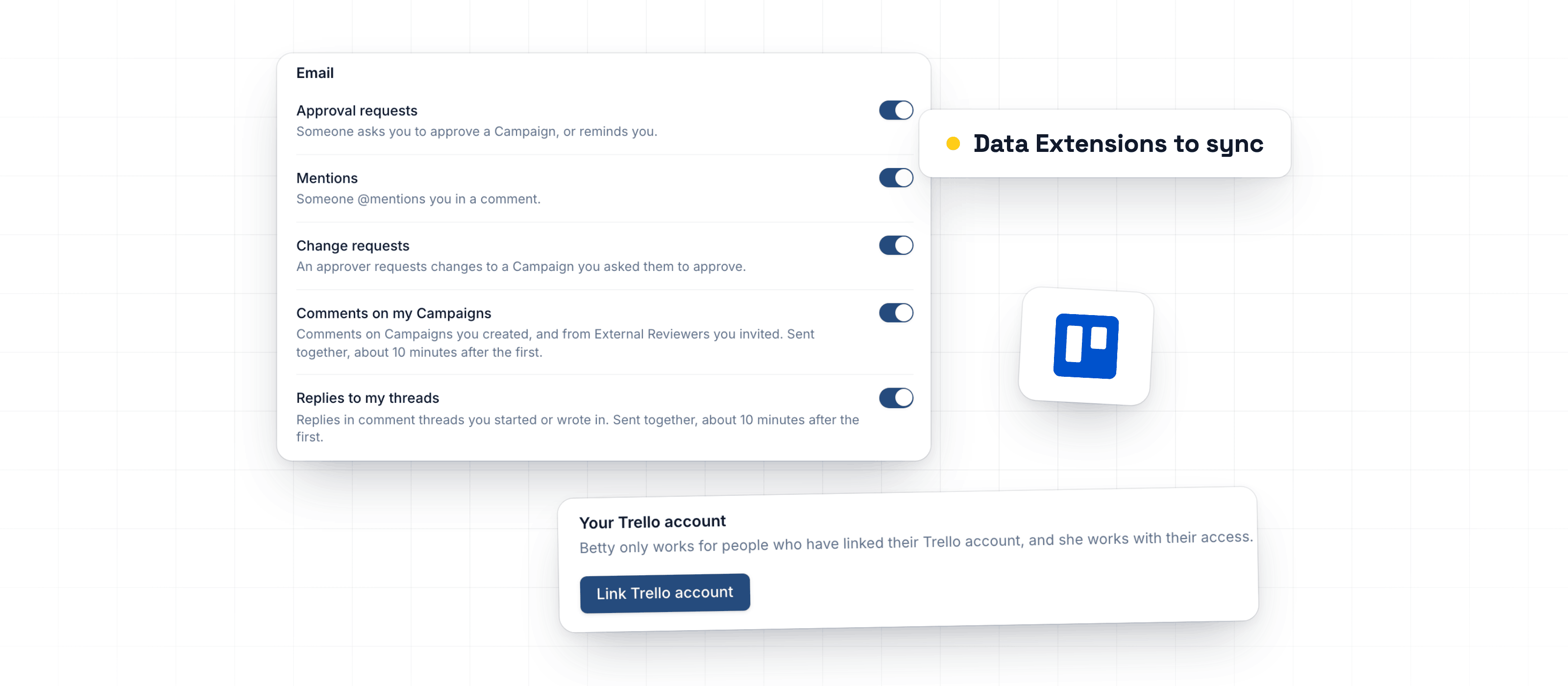
Comments on your Campaigns now reach you by email, and you choose which emails you get. Link your Trello account once, and Betty builds Campaigns from your cards with your access. SFMC syncs fields from sendable Data Extensions.
Comment emails and notification settings
You now get an email when someone comments on a Campaign you created, or replies in a thread you started or wrote in. You also get comments from External Reviewers you invited. Comments arrive together in one email, about 10 minutes after the first. If you've already read them in the app, no email goes out.
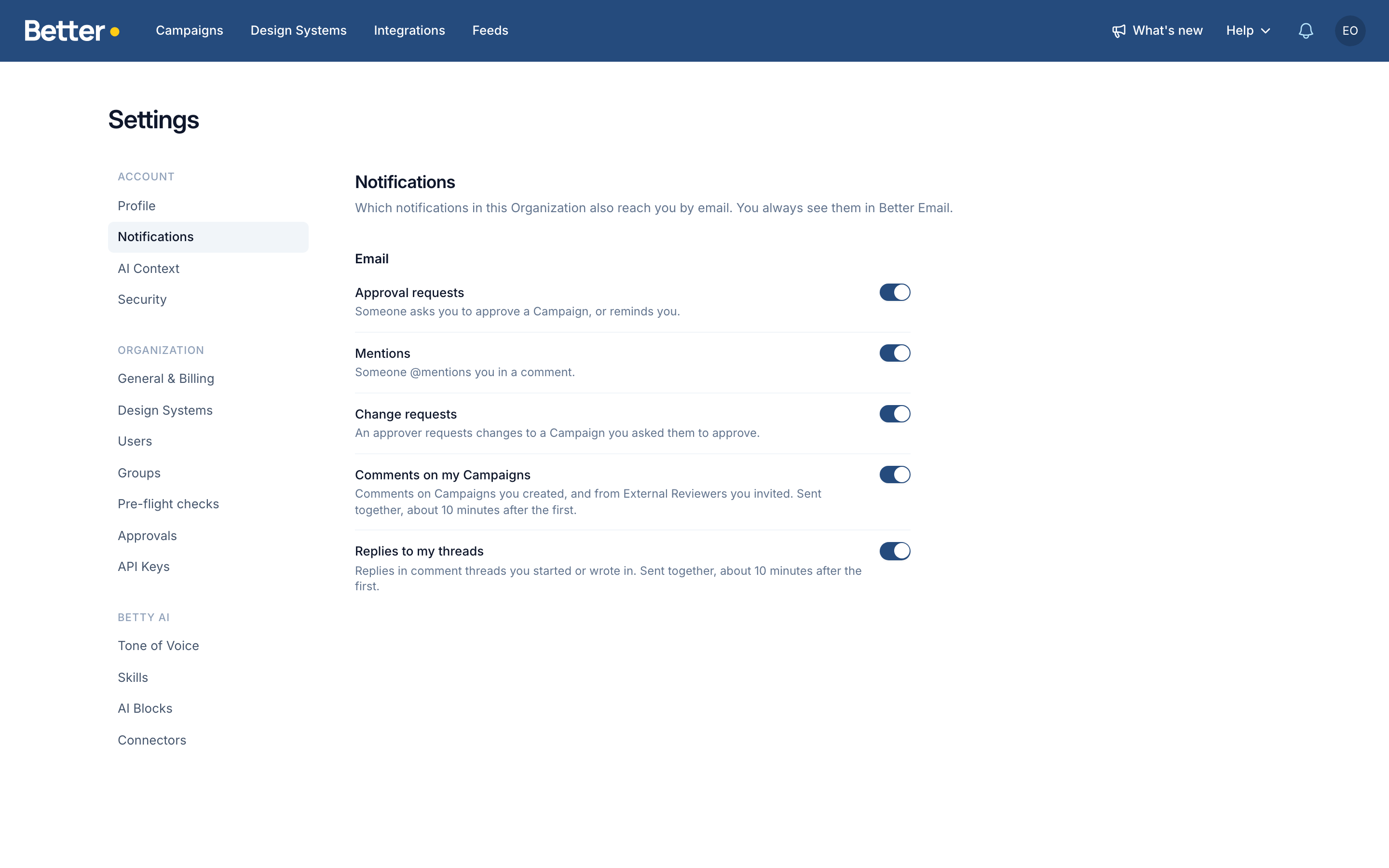
Choose which emails you get in Settings → Notifications, separately for each Organization. Every notification email has a link to turn off that type of email.
Link your Trello account for Betty
To ask Betty for a Campaign on a connected Trello board, link your Trello account once: open Settings → Betty AI → Connectors → Trello and choose Link Trello account. Your Trello account has to use the email you sign in to Better Email with. Betty then builds the Campaign with your access in Better Email, up to Editor.
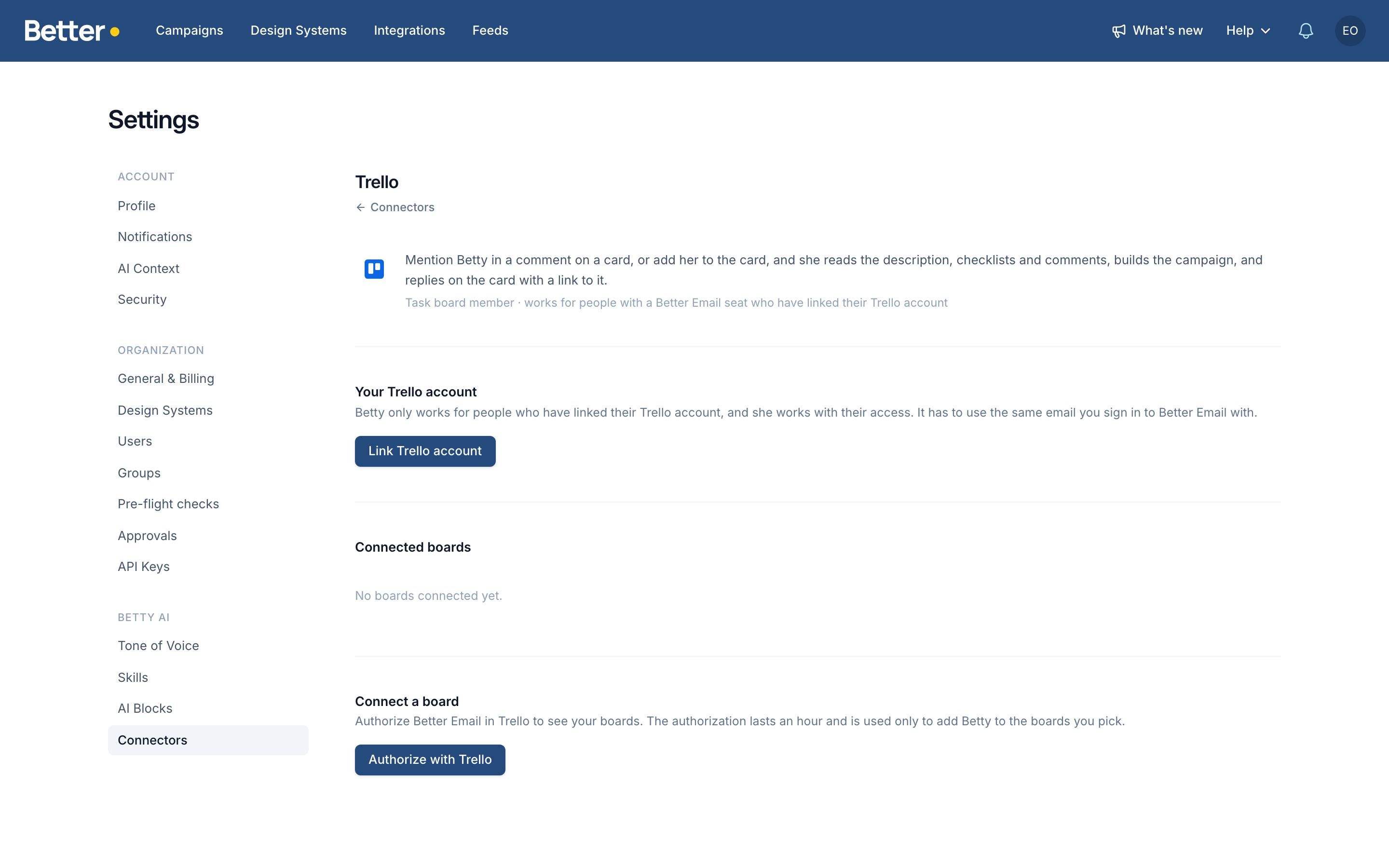
On monday there's nothing to link. Betty works for whoever mentions or assigns her, if their monday email matches their Better Email one, and ignores assignments made by automations. On a board, she doesn't use your AI Context, Figma or connected sources. The Trello guide covers setup.
Sync recipient fields from SFMC Data Extensions
Turn on Sync recipient fields on a Salesforce Marketing Cloud integration and pick from Data Extensions to sync. It lists every sendable Data Extension in the integration's business unit, not each Destination's, with its folder path. Search it, pick as many as you need, and their columns sync as recipient fields. Data Extensions already linked in Contact Builder aren't in this list. Pick them under Attribute sets to sync.
Improvements
- Workspace & adminAccount settings are now four pages: Profile, Notifications, AI Context and Security. AI Context shows when Betty is on.
- Workspace & adminA What's new menu in the top bar lists the latest changelog entries, with a yellow dot on one you haven't opened.
- Betty AIBetty can now check a Campaign as one recipient, using a saved Preview Profile or recipient field values, to see a Variant or personalized text she built.
- Betty AIBetty now starts closed, as the Ask Betty button in the corner, until you choose where she sits. A position you already chose stays.
- Workspace & adminError messages now say why an action was blocked, such as "Your plan doesn't include integrations", instead of "Server Error".
Fixes
- Review & approvalsCompare with master on the Review tab showed content behind a Design System language condition, such as a German imprint, in the English master. The master now shows in its own language.
- Campaign EditorBetty AIColors and options Betty picked in a Block's settings showed as the default, so a yellow she chose could appear green. Blocks she already built now show her choice.