Campaign Variants for each audience, market or brand

Simon Westh Henriksen
Co-founder and CTO
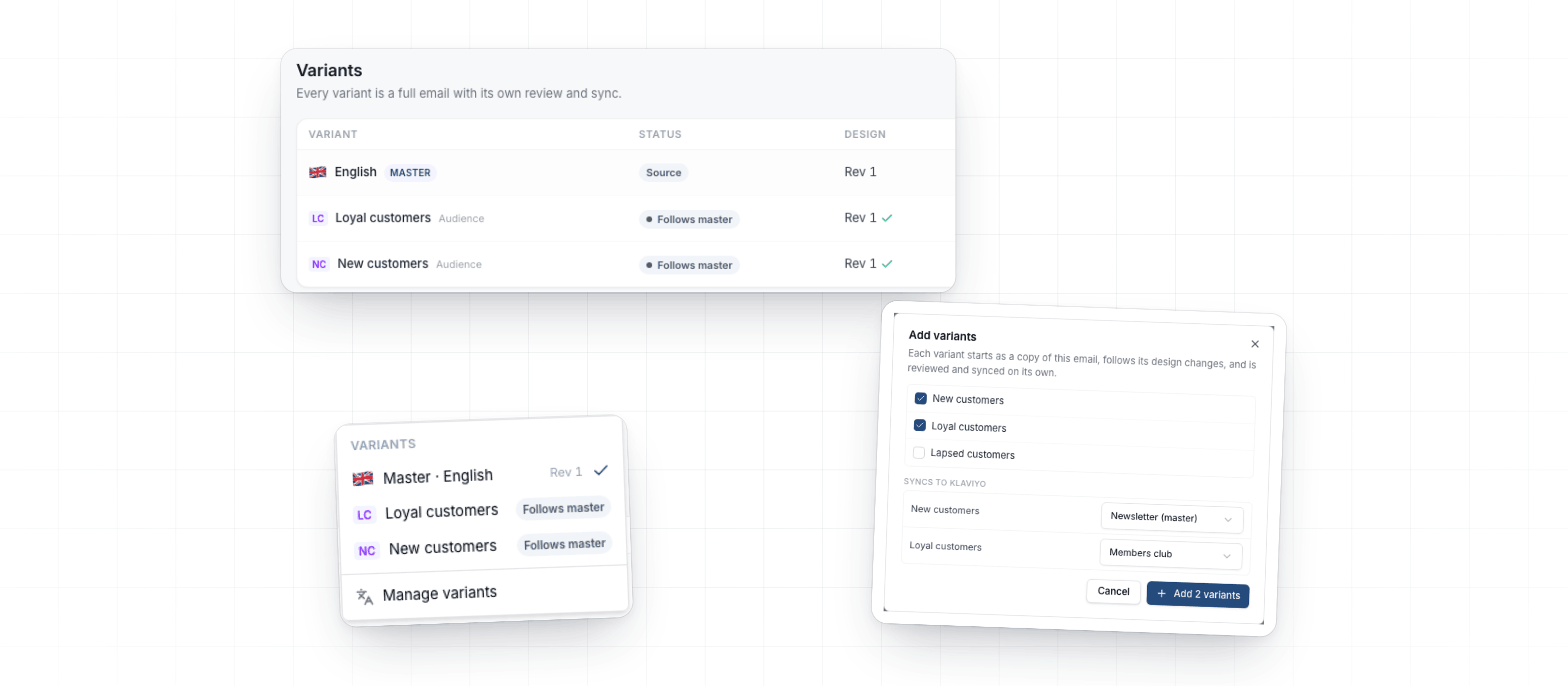
Make one linked Campaign per audience, market or brand with Campaign Variants. Each variant follows its master's design, keeps its own text, and is reviewed and synced on its own.
Campaign Variants
When loyal and new customers, or each market, need their own version of an email, make a Campaign Variant for each. An admin sets up what your Campaigns vary by under Settings → Campaign variants: add a dimension such as Audience, then its values. On a Campaign's Variants tab, click Add variants, tick the values you need and pick a Destination for each, such as a members list for loyal customers.
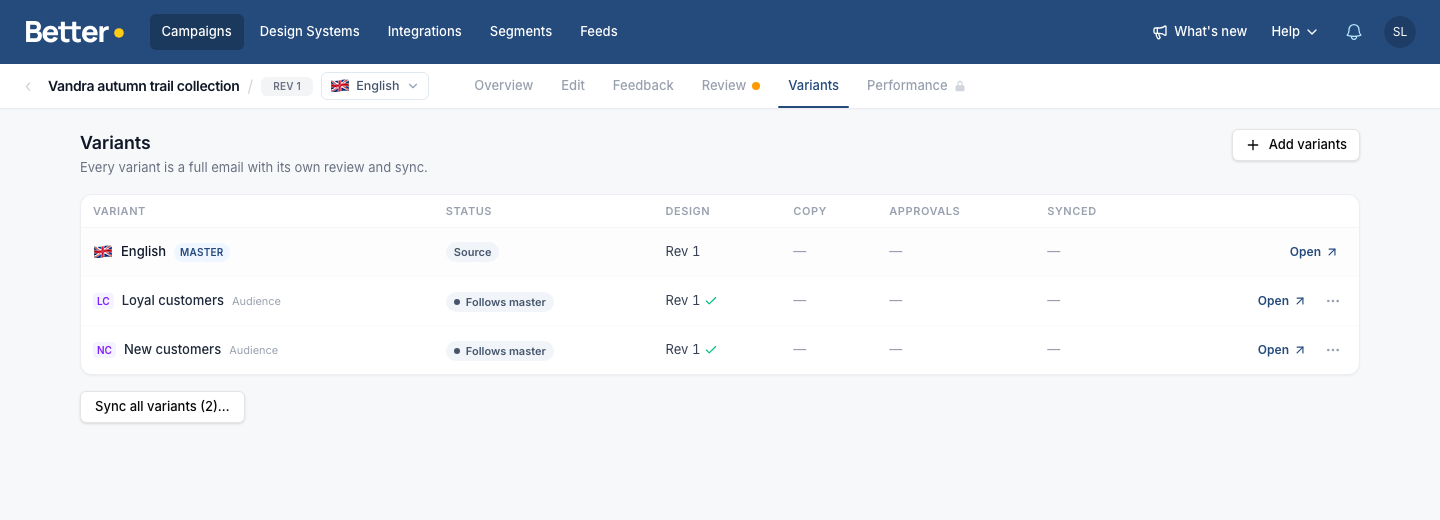
Change only what differs for the audience, and every field you leave alone keeps the master's text. When the master changes a field the variant also changed, the variant's editor flags it, and you pick Use master text or Mark as reviewed. After a design revision on the master, click Push design update to bring the variants onto it.
Each variant has its own review and approvals. Sync all variants syncs them in one go, and once approvals are set up it reads Sync all approved. Ask Betty for "this email for new and for loyal customers" and she adds the variants. See Campaign Variants.
Language variants on the same tab
The Translations tab is now the Variants tab. Language variants work like any other variant, and the switcher next to the Campaign name lists the master, its language variants and its other variants. The campaign library folds each variant under its master.
Improvements
- Workspace & adminSettings → Compliance lists Better Email's sub-processors with a dated change log. Click Save as PDF to send the list to your legal team.
- IntegrationsOn Agillic, Send now sends the email in about five minutes.
Fixes
- Campaign EditorBetty AIWhen you preview a Campaign as a Preview Profile, Block variants Betty wrote now show the content that matches the profile, and each Recipient Field appears once in the profile. Sent emails were not affected.
Two weeks of Better Email in one email
What we shipped, new blog posts and tips from our tests in real email clients. Every second week.
Unsubscribe with one click. Privacy policy