Betty in Asana and client previews in about 110 email clients

Simon Westh Henriksen
Co-founder and CTO
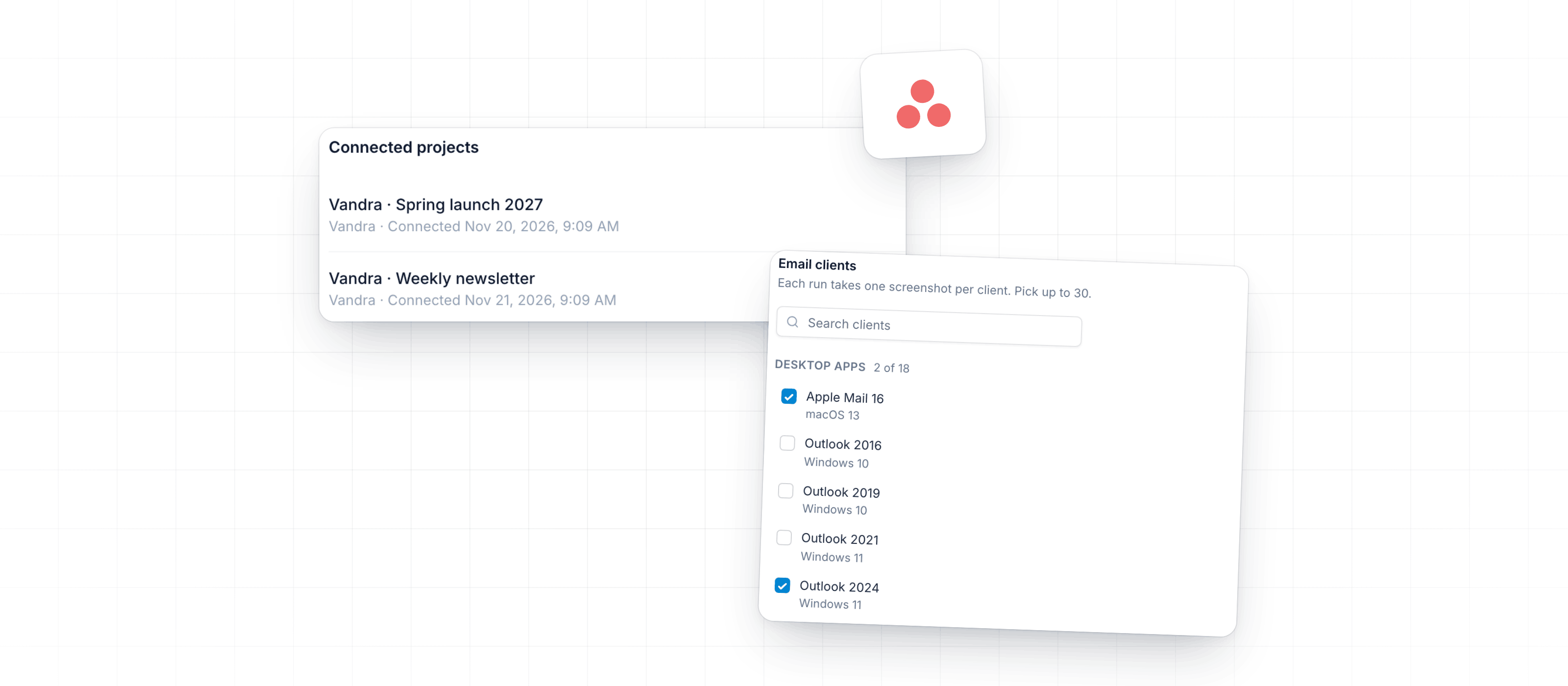
Assign an Asana task to Betty, or mention her in a comment, and she builds the Campaign and replies on the task. Client previews now take screenshots in about 110 email clients, and you pick which ones.
Betty in Asana
An admin connects Asana under Settings → Betty AI → Connectors → Asana. Click Sign in with Asana, then Connect next to each project Betty should join. In an Asana organization she isn't part of yet, she joins as a guest, so that organization has to allow guest invites. In a connected project, mention @Betty in a comment on a task, or assign the task to her. She reads the task's description, section, due date, tags, custom fields, subtasks and comments, looks at up to six attached images, builds the Campaign, and replies on the task with a link to it. To ask for changes, mention her again on the same task and she updates that Campaign.
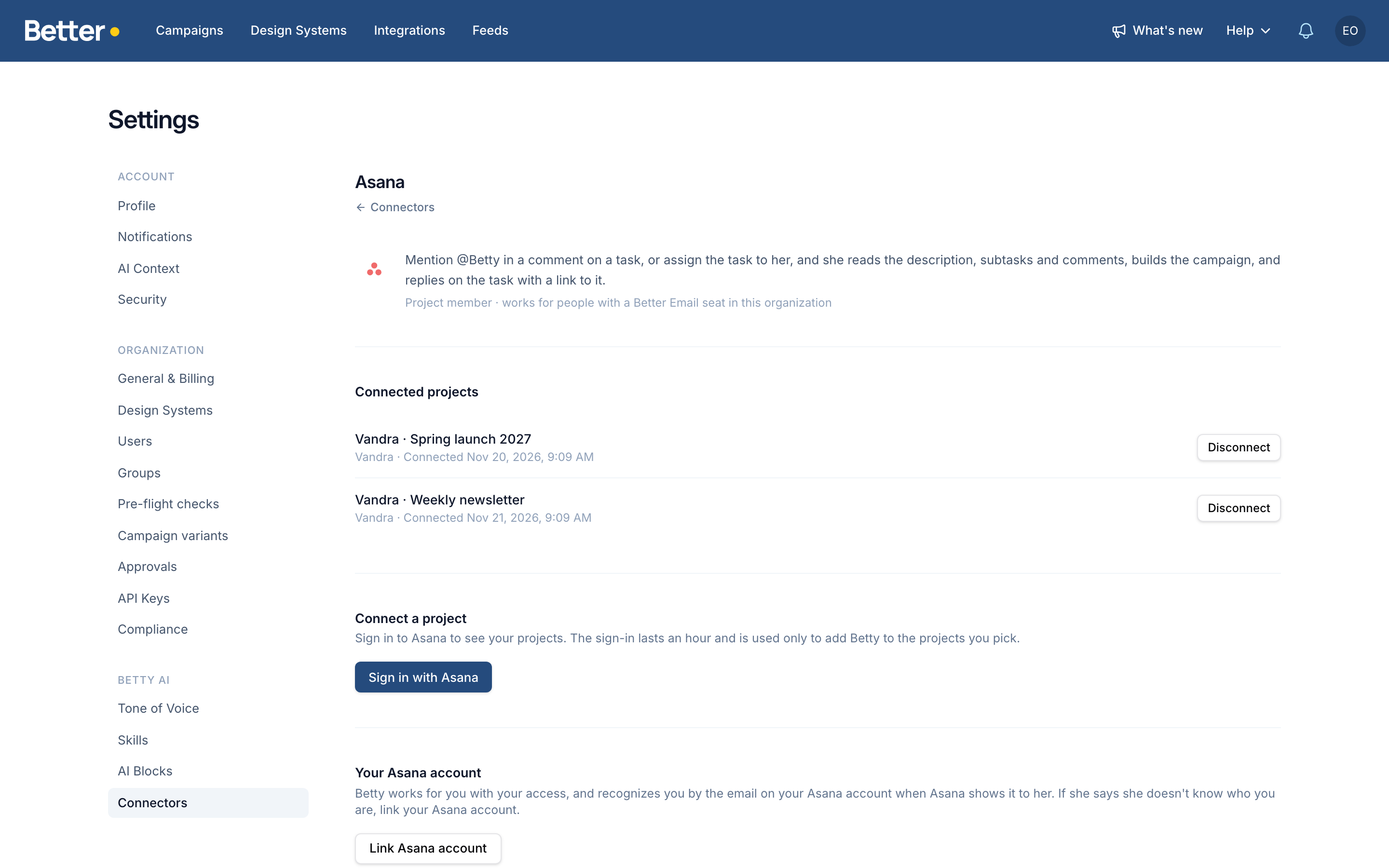
Betty acts as the person who asked her, with their role up to what an Editor can do, and that person needs a Better Email seat. She finds you by the email on your Asana account. If your Asana email is different from the one you use for Better Email, click Link Asana account once on the Asana connector page. You don't need to be an admin to do this. See Asana.
Client previews in about 110 email clients
Client previews now cover about 110 email clients across desktop apps, webmail and phones, most of them also in dark mode. An admin picks up to 30 under Settings → Client previews. If nobody has picked, previews use a default set of 8: Outlook 2024 and Apple Mail on desktop, Gmail and Outlook.com in Chrome, the Gmail app on Android in light and dark mode, and the Mail and Outlook apps on iPhone.
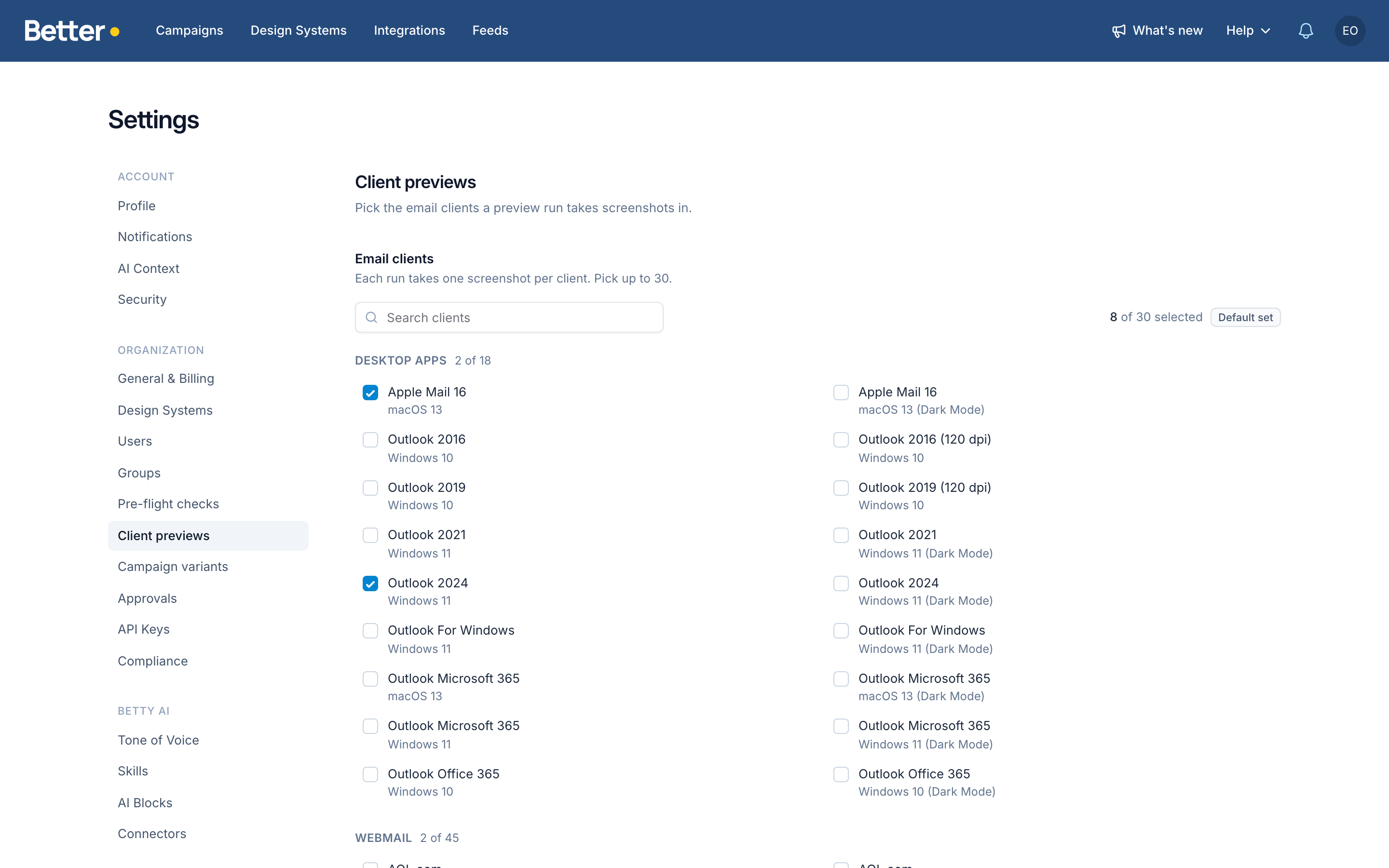
Each client you preview uses one preview from your monthly allowance, and admins see how many you've used this month on the same settings page. If the last run returned every screenshot, and the email, its subject line and the list of clients haven't changed, Refresh Previews keeps the screenshots you have and uses no previews. To run it anyway, choose Take new screenshots in the notice that appears. See Client previews.
Improvements
- Betty AIAttach a zip file to Betty, such as a brand kit or an exported HTML email with its images. She unpacks it in the chat and works from the files inside. See zip files.
- Campaign EditorIntegrationsA Content Block synced to Braze or Salesforce Marketing Cloud that has Variants now previews, in the Campaigns that link it, the Variant your Preview Profile matches. Show all variants on the Review tab lists each one. Blocks you already have show this after their next sync.
- Review & approvalsYou now get comment emails while a Campaign is open in a background tab. They're held back only while you're looking at the Campaign.
Fixes
- IntegrationsContent Blocks sync again when the subject line or preheader check is set to Block. Those checks no longer apply to Content Blocks, which have neither.
- Campaign EditorThe tooltip on a Block's action bar, such as Save as Content Block, no longer stays in the top left of the canvas after you move to another Block.
Two weeks of Better Email in one email
What we shipped, new blog posts and tips from our tests in real email clients. Every second week.
Unsubscribe with one click. Privacy policy